Table of Contents 7 sections
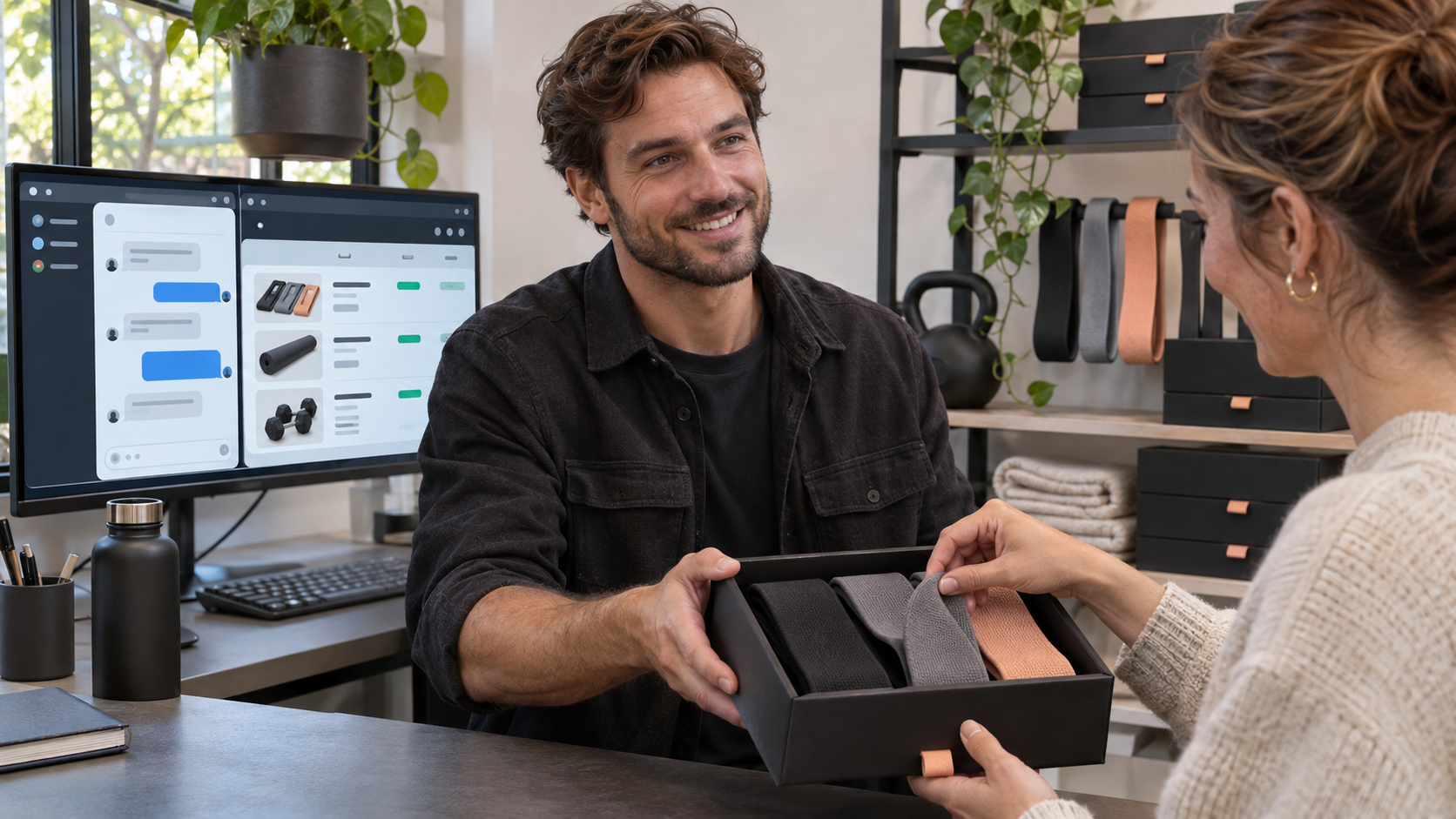
LinkedIn has reported more than 1 billion members worldwide, but your Amazon brand may need to reach only a handful of the right buyers. You can support Amazon selling from LinkedIn by showing products in use, opening conversations with retail buyers, and directing interested shoppers to the right Amazon listing. Amazon handles checkout for shoppers you send to its marketplace.
Start with one product and a clear audience. Put the relevant listing or Store in your Featured section, publish a demonstration that answers a real buyer question, and follow up with prospects whose assortment fits your product. Use Amazon Attribution where eligible to measure activity on Amazon, and track wholesale conversations separately to see which opportunities are worth pursuing.
What LinkedIn Can Do for Amazon Selling
LinkedIn can help you attract referral traffic to Amazon and start wholesale conversations with retail buyers and distributors. Those paths have different endpoints. A shopper may buy through an Amazon listing, while a category buyer may need a sample, case pack details, or a conversation before considering an order.
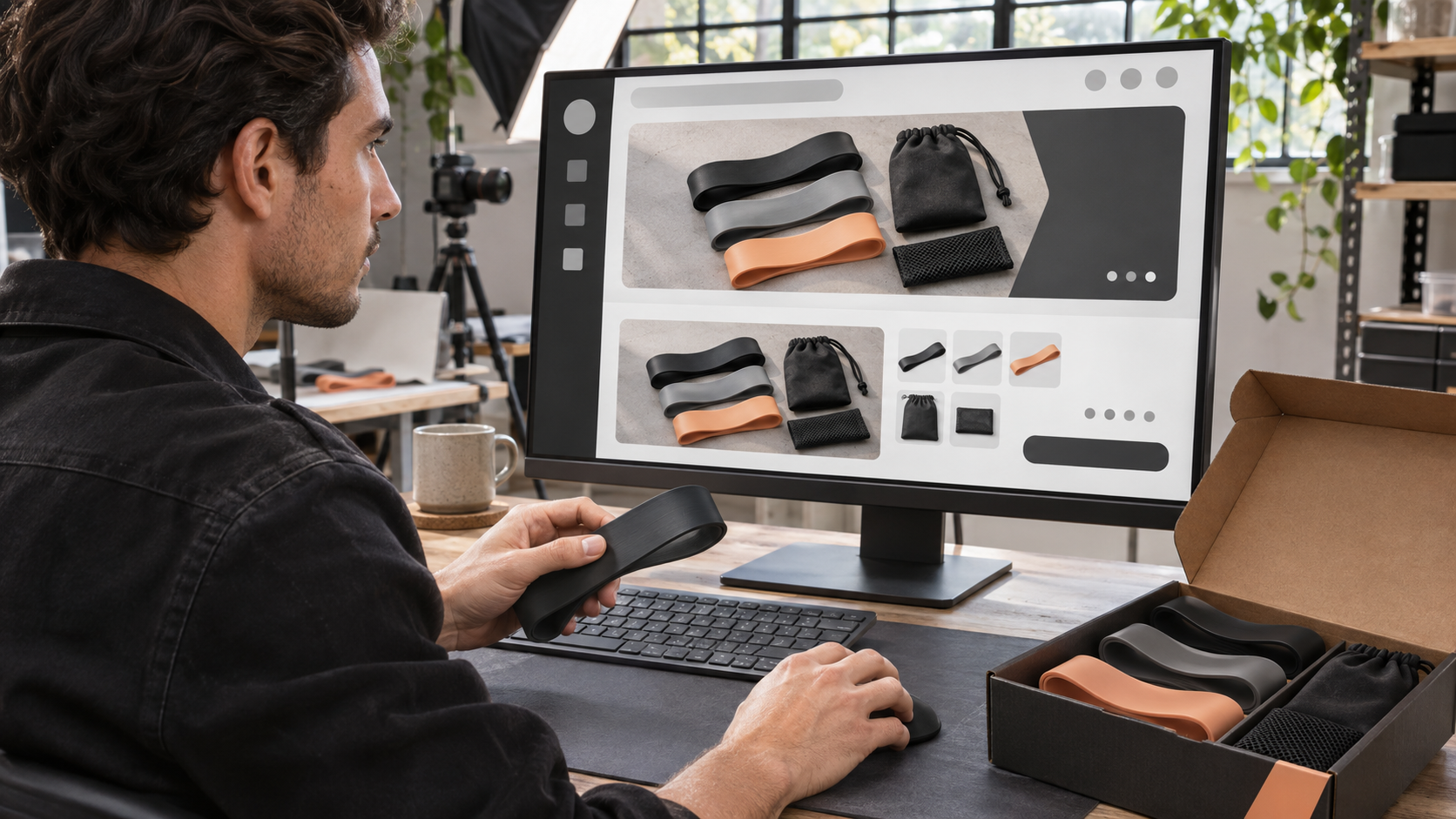
Choose the path that fits your product and margin. If a demonstration can answer a shopper’s main question, send interested readers to the product page. If the opportunity depends on repeat orders or bulk quantities, use Amazon as supporting evidence and give buyers a way to discuss terms.
Your Amazon Seller Profile on LinkedIn
Your Amazon seller profile should quickly tell a visitor what you sell, whom it serves, and how to explore the product. In your headline, name the category and your role in the brand. In your About section, explain what the product does and give interested buyers a clear way to reach you.

Make the marketplace clear when you serve customers in several countries. A buyer in Canada should be able to tell whether you stock the product locally or whether the listing serves US customers. If your profile needs an update, start with the LinkedIn features for sellers that help visitors find your products and background.
Featured Links to Your Products
Use the LinkedIn Featured section to highlight a flagship product, a relevant Amazon Store, or a post that demonstrates how your product works. Send visitors to a product detail page when they already know which item they want. Use the Store when buyers need to browse a range or compare products in the same line.
Give each Featured item a title that identifies the product or collection. Open its destination on mobile and check the marketplace, selected variant, and availability. If a product becomes unavailable during peak season, update the Featured link before sending more visitors to it.
Proof of Your Seller Experience
Show how you make decisions as a seller through evidence you can share publicly. You could explain how a packaging change addressed complaints about storage or how buyer questions led you to add a sizing image. Include enough detail for someone to understand what changed and why.
If you cite a result, give it a timeframe and specify the product or marketplace it covers. A listing improvement that helped one variation may have little relevance to the rest of the catalog. When revenue or supplier data is confidential, a photo of your own packaging revision can still show your role in the work. relevant Amazon Store.
LinkedIn Updates That Showcase Your Products
The most useful LinkedIn product updates show a buyer what the product does in a situation they recognize. Build each post around one task, common question, or purchasing decision. If a reader wants to know whether a kit fits in a gym bag, show it packed alongside the items they already carry.
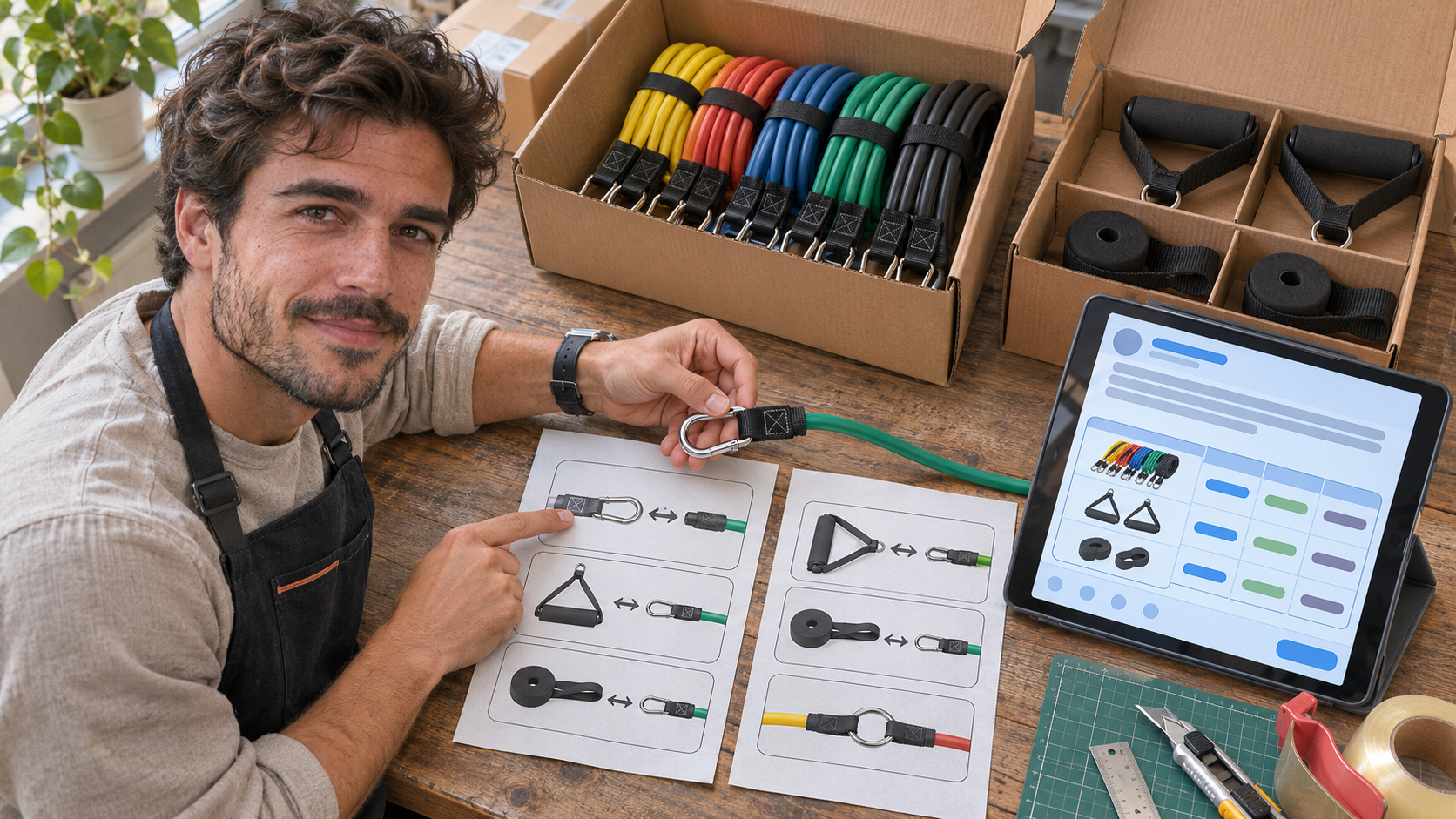
Plan posts around the decisions your audience makes throughout the year. A gym owner might care about storage and replacement parts, while someone shopping for personal use might care about setup. If your range covers fitness products, use these Amazon FBA equipment examples to identify details worth showing.
Product Demonstrations for Your Audience
A product demonstration should show one real task clearly enough for the viewer to judge whether the item suits them. Use close framing for the part that needs explanation, such as a buckle or adjustment point. Show the result at the end so viewers can see what the setup produces.
Introduce the situation in the first line and give viewers one next step. Add readable captions when spoken instructions matter, since viewers may watch with sound off. If the demonstration answers a buying question, direct readers to the matching product variation or invite a retail buyer to request specifications.
Seller Stories That Show Your Expertise
A seller story builds credibility when it explains a specific problem, your decision, and what you learned. You might describe how buyers kept asking which accessories fit a product and how you added a compatibility image. Show the decision through a detail your audience can inspect or apply.
Use seasonal stories if the timing affected the decision. For instance, you could describe how feedback during Black Friday prompted you to revise the insert before the next production run. If several changes happened at the same time, say what you observed and avoid crediting a single change for the entire result.
Finding Buyers Through LinkedIn Outreach
Use LinkedIn outreach to contact buyers at companies that already serve a customer your product can help. Start with retailers or distributors whose assortment gives you a specific reason to reach out. Then look for someone responsible for the category or the supplier conversation.
Decide what you can offer before you start. If you are approaching a retailer, know whether you can supply samples, what quantities you can support, and whether repeat orders fit your margins. To learn how other operators handle similar decisions, you can also connect with Amazon sellers in adjacent categories.
Search Filters for Finding Retail Buyers
Combine role keywords with location, current company, and industry where those filters are available. Search for titles such as category manager, merchandise buyer, or procurement manager, then check the person’s remit. For an independent retailer, the owner may manage buying directly.
Company size can help narrow a large list, especially if your inventory suits a regional chain better than a national rollout. Review the retailer’s current assortment before saving a prospect. Your search should leave you with enough context to explain why that company might stock the product.
Personalized Messages Based on Buyer Needs
A personalized message should connect your product to something specific in the buyer’s assortment. If a retailer stocks travel fitness gear, explain how your kit fits that use and what it adds to the range. Close with a small, relevant request, such as permission to send a line sheet.
Keep the first message short enough to scan on a phone. If the buyer asks for details, send the information they need to judge the fit, including pack size, lead time, or sample availability as appropriate. Record their response so that a follow-up can build on the conversation.
Measuring Amazon Traffic From LinkedIn
Measure Amazon traffic from LinkedIn with distinct referral links so you can see which placements drive activity. A Featured link stays visible on your profile, while a product post earns attention in a shorter window. Separate their links so you can compare them without guessing where clicks came from. a packaging change.
Review the results alongside stock, price, and listing quality. A promotion may lift orders by changing the offer, while a stockout can make a strong demonstration appear ineffective. Use the numbers to decide whether your next test should change the post, the destination, or the product page.
Amazon Attribution Eligibility and Setup
Amazon Attribution can help eligible advertisers measure what happens on Amazon after someone clicks a tagged link outside the marketplace. Open the Amazon Ads console for your target marketplace and check whether Attribution is available for your account and products. Eligibility can depend on factors such as marketplace, advertiser type, and Brand Registry status.
Use a consistent naming pattern so that you can identify the product, marketplace, and placement in your reports. Reuse that pattern when you add another product or run a second demonstration. Keep an internal record of the post and the destination so the results still make sense months later.
- Select the Amazon product or Store destination for the placement.
- Generate and save a separate Attribution link for each Featured card or post you want to compare.
- Test the published link on mobile and confirm that it opens the intended marketplace and product.
Link Clicks and Product Page Visits
Link clicks measure interactions with a tagged link, while detail page views measure activity on Amazon product pages within the reporting rules. The counts can differ when someone exits before the page loads or lands on a Store and views several products. Read them alongside purchase activity before changing your plan.
If product page views rise but orders stay flat, check whether the listing fulfills the promise that prompted the visit. A demonstration might show a complete kit while the selected Amazon variation includes only one accessory. Confirm the variation, price, and availability before deciding that LinkedIn brought the wrong audience.
Frequently Asked Questions
LinkedIn can help you find prospects, answer product questions, and send interested shoppers to Amazon. How much it contributes depends on who sees the post and where you send them. A buyer researching suppliers may respond differently from a shopper who already knows what they want.
Set expectations according to the opportunity you are pursuing. If you want wholesale leads, keep track of buyer replies, sample requests, and follow-up meetings. If you want Amazon orders, measure the activity your tagged product links can capture.
Why are so many people leaving LinkedIn?
There is no clear basis for assuming that LinkedIn users are leaving in large numbers. Some users post less because of repetitive content, unsolicited pitches, or limited time. Others keep their accounts and check in selectively.
Look at activity among the buyers you want to reach. Check for recent posts and interactions in your category. If buyers rarely engage, put more effort into the channels they already use.
Are you allowed to sell things on LinkedIn?
You can generally promote lawful products on LinkedIn and direct interested shoppers to Amazon. Your posts and messages need to follow LinkedIn’s policies. Paid ads may have additional requirements for the product category.
Describe your offer accurately and give people a clear route to the listing. If the post is part of a paid partnership, include the appropriate disclosure. Keep follow-up relevant to the recipient’s role.
Is Amazon on LinkedIn?
Yes, Amazon maintains a company presence on LinkedIn. You can find corporate updates, career information, and posts about the company’s work. Other Amazon businesses, including Amazon Web Services, also have their own presence.
Check the company page name and description before treating a post as official. Seller conversations often come from independent operators. Use Seller Central or Amazon Ads if you need help with your account.
Can you earn money directly through LinkedIn?
You can earn revenue from leads and referrals you generate on LinkedIn. For product sales that go through Amazon, the buyer checks out on Amazon. A wholesale lead may become an order through terms you arrange separately.
Record each outcome where it occurs. Use referral reporting for eligible Amazon purchases. Log wholesale orders and the LinkedIn conversations that led to them in your sales records.
Conclusion
You can make Amazon selling from LinkedIn measurable by giving buyers a clear route from your profile to the right Amazon listing. Show one product solving a real problem, contact retail buyers whose assortment fits, and track visits and buyer replies separately. This week, pick one product, publish a demonstration, and give it a dedicated referral link so you can see what happens after someone clicks.
If you run an established Amazon FBA brand and want more of your listing traffic to turn into orders, start with a listing review. You’ll get feedback on the product page and a clearer sense of which changes to prioritize for profitable growth. Request your Free Audit.