
Table of Contents 9 sections
Are you trying to navigate the complex world of selling physical media on Amazon? Understanding the specific rules for DVDs and Blu-rays is crucial for success, as this category is heavily restricted to prevent counterfeit products and protect both buyers and brands. Successfully listing these items requires a clear understanding of Amazon's gating process, invoice requirements, and strict condition guidelines.
The core of Amazon FBA product eligibility for DVDs and Blu-rays hinges on proving you have a legitimate supply chain. This means obtaining approval, often called "ungating," by submitting valid invoices from authorized distributors, not retail receipts. Your seller account must also be in good health, with strong performance metrics, before Amazon will even consider your application. Without these elements in place, your inventory will remain ineligible for listing.
Understanding Amazon's Core Eligibility for Media Products
The media category on Amazon, which includes DVDs, Blu-rays, music CDs, and books, has long been a target for counterfeiters. To combat this, Amazon implemented strict eligibility requirements to ensure authenticity and product quality. Unlike other product categories, simply having a professional seller account is not enough to start listing most new and popular media titles. You must gain specific approvals to demonstrate your legitimacy as a seller.

At its foundation, eligibility requires a professional selling plan and a history of positive seller metrics. Amazon wants to see that you are a reliable seller before granting access to restricted categories. This includes maintaining a low Order Defect Rate (ODR), a low Late Shipment Rate, and a low Pre-fulfillment Cancel Rate. These metrics serve as a baseline indicator of your ability to meet customer expectations, which is a prerequisite for dealing with high-risk products like branded media.
Navigating Gating and Restrictions for DVDs and Blu-Rays
Gating is the process Amazon uses to restrict the sale of certain products, brands, or entire categories. For DVDs and Blu-rays, gating is particularly aggressive. Many major movie studios and distributors have their products gated, meaning you need explicit permission to sell them. This process is not a one-time approval for the entire category, you may need to get ungated for specific brands or even individual ASINs.
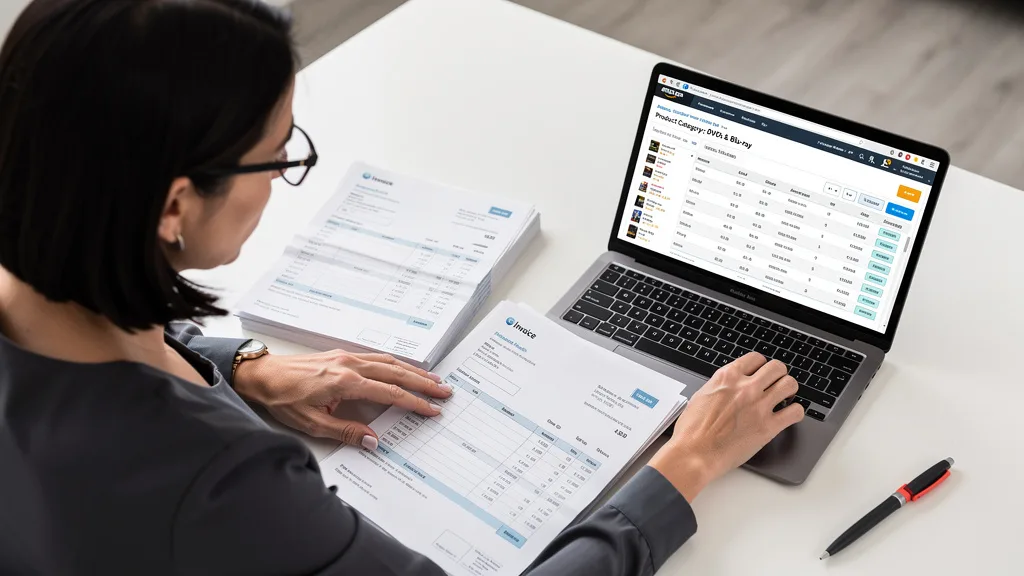
The primary reason for these restrictions is to protect intellectual property rights and prevent the circulation of pirated copies. This is why Amazon's verification process is so heavily focused on your supply chain. They need to confirm that your inventory is sourced directly from legitimate channels. Sellers often find themselves suddenly restricted from selling universal titles they previously could, as Amazon's policies and brand agreements evolve.
Commonly Restricted Brands and Studios
While Amazon does not publish an exhaustive list of restricted brands, sellers consistently report needing approval for major Hollywood studios. Navigating these brand-specific gates is a significant part of selling media successfully. You should assume that any major, well-known studio will require an ungating application.
Some of the most commonly gated brands and studios include:
- The Walt Disney Company (including Marvel, Lucasfilm, Pixar)
- Warner Bros. Entertainment
- Universal Pictures
- Sony Pictures
- Paramount Pictures
- 20th Century Studios (now owned by Disney)
- Lionsgate
- HBO
This list is not final and can change at any time. The best approach is to attempt to list the product in your Seller Central account. If it is restricted, Amazon will prompt you to begin the application process, clarifying what approvals are needed.
MSRP and Invoice Requirements
The most critical component of your ungating application is your documentation. Amazon requires specific proof of sourcing to verify your inventory is authentic. For DVDs with a Manufacturer's Suggested Retail Price (MSRP) of $25 or more, you must be pre-approved. For all other gated DVDs and Blu-rays, you will need to provide legitimate invoices.
Your invoices must meet the following criteria:
- Dated within the last 180 days.
- Include your name and address, matching the information in your Amazon seller account.
- Include the name and address of the manufacturer or distributor.
- Show a combined purchase of at least 10 units of the restricted products.
- Omit pricing information (this is optional, you can black it out).
Retail receipts from stores like Walmart, Target, or even movie stores are not acceptable. The invoices must come from a verifiable wholesale distributor or directly from the manufacturer. This is often the biggest hurdle for new sellers trying to enter the media category.
The Role of Seller Performance Metrics
Your account health is a non-negotiable prerequisite for getting ungated. Amazon will not grant you access to restricted categories if your account shows signs of poor performance. Before you even attempt to apply, you should review your Account Health Dashboard in Seller Central and ensure all your metrics are in the green.
Key metrics to monitor include your Order Defect Rate (ODR), which should be below 1%, your Cancellation Rate (under 2.5%), and your Late Dispatch Rate (under 4%). Consistently meeting these targets demonstrates your reliability. Staying current on policy changes, such as the latest Amazon customer review policy updates, is also vital for maintaining a healthy account and avoiding violations that could jeopardize your ungating applications.
How to Get Ungated: Your Step-by-Step Approval Process
Getting ungated in the DVD and Blu-ray category is a methodical process that requires careful preparation and attention to detail. While it can seem daunting, following a clear set of steps will significantly increase your chances of a successful application. This process validates you as a legitimate seller with an authentic supply chain.
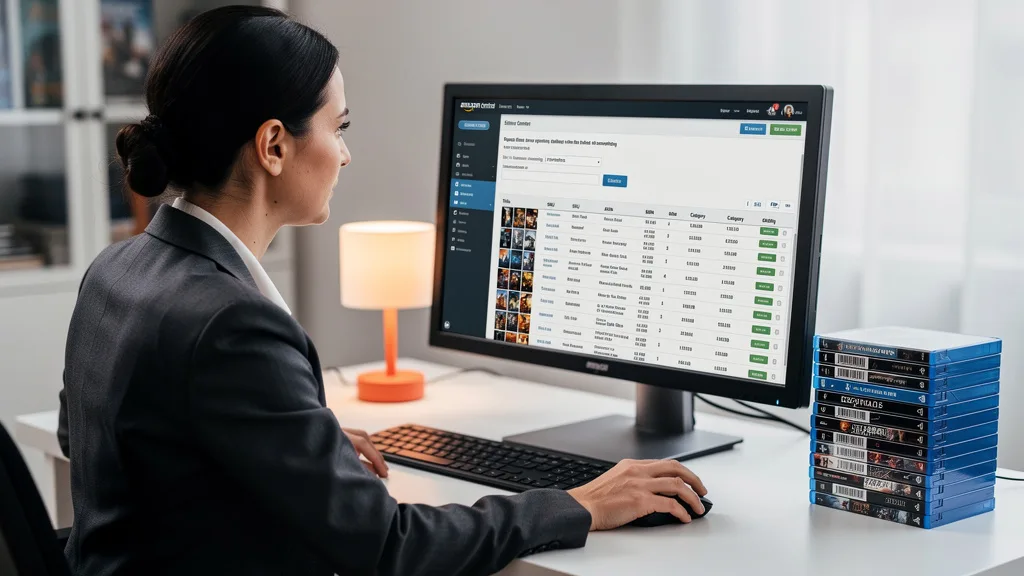
Think of this as presenting a business case to Amazon. You are proving that you are a low-risk partner who will provide authentic products and a positive customer experience. Each step is designed to verify a different aspect of your business, from your performance history to your inventory sources.
Step 1: Check Your Account Health and Eligibility
Before you invest in inventory, the very first step is to perform a thorough audit of your Seller Central account. Navigate to the Account Health page under the Performance tab. Scrutinize every metric, from customer service performance like ODR to policy compliance violations. Address any outstanding issues or warnings immediately.
If your account is new or has a limited sales history, it may be beneficial to build up a track record in unrestricted categories first. A history of successful transactions and positive feedback demonstrates your reliability to Amazon. Trying to get ungated with a brand new account is possible but often more challenging, as there is no performance data to support your application.
Step 2: Source Inventory from Authorized Distributors
This is the most crucial step in the entire process. You must find and establish a relationship with a legitimate, authorized distributor of DVDs and Blu-rays. Retail arbitrage, or buying from retail stores to resell, will not work for ungating purposes. Amazon's system is designed to specifically exclude retail receipts as proof of authenticity.
When vetting potential suppliers, confirm that they are an authorized distributor for the studios you intend to sell. Request a sample invoice to ensure it meets Amazon's requirements before placing a large order. Your goal is to procure an invoice that clearly shows a purchase of at least 10 units of the product or brand you are seeking to ungate.
"Sourcing is everything when it comes to ungating restricted categories like media. Your entire case with Amazon rests on the validity of your invoices. Building a relationship with a reliable, authorized distributor is the single most important investment you can make in this process."
Step 3: Prepare and Submit Required Invoices or Proof of Ownership
Once you have your invoice in hand, review it carefully to ensure it meets all of Amazon's criteria. The information on the invoice must exactly match the legal business name and address listed in your Seller Central account. Any discrepancy can lead to an automatic rejection of your application.
Scan or take a high-quality photograph of the entire document, ensuring all four corners are visible and the text is clear and legible. Do not alter the invoice in any way, other than blacking out the pricing information if you choose. To submit, find the product you want to sell in your Seller Central account, and if it's restricted, you'll see a link to apply for approval. Follow the on-screen prompts to upload your invoice and any other requested documentation.
Step 4: Follow Up on Your Ungating Application
After you submit your application, you will receive a case in your Case Log. Amazon's response time can vary from a few hours to several weeks. You can monitor the status of your case through the log. If your application is approved, you will receive a notification and will be able to list the product immediately.
If your application is denied, do not be discouraged. Amazon will typically provide a reason for the denial. Carefully read the feedback, identify the issue with your submission, correct it, and re-apply. Common reasons for denial include information on the invoice not matching the seller account or the supplier being unverifiable. This is a common part of the Amazon seller restriction or ungating journey for many merchants.
Condition Guidelines: New, Used, and Collectible Standards
Amazon maintains very strict condition guidelines for media products to ensure customers receive items as described. Misrepresenting the condition of a DVD or Blu-ray can lead to negative feedback, A-to-z claims, and even account suspension. It is essential to grade your inventory accurately, whether you are selling new, used, or collectible items.
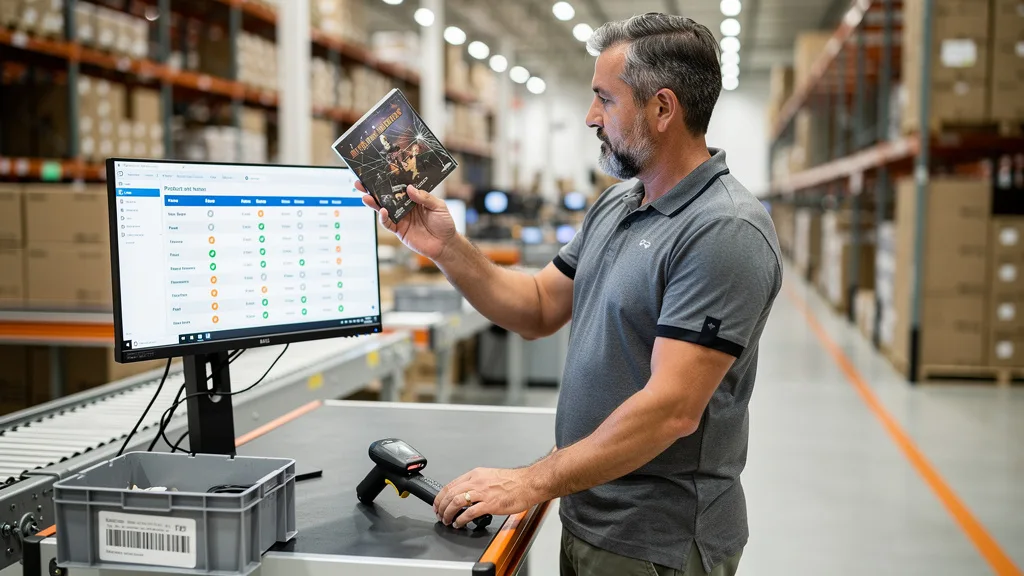
For used items, Amazon provides several sub-categories (Like New, Very Good, Good, and Acceptable) that you must use correctly. Each has specific criteria regarding the condition of the disc, case, and any included artwork or inserts. Never grade an item higher than it is, it is always better to under-promise and over-deliver on condition.
The table below outlines the specific requirements for each condition grade for DVDs and Blu-rays.
| Condition | Disc Requirements | Case & Artwork Requirements | Notes |
|---|---|---|---|
| New | Pristine, unplayed disc. | Must be in original shrink wrap. No signs of wear or damage. | Must be sourced from a distributor, not a used item that is still sealed. |
| Used: Like New | Disc is flawless with no scratches or marks. | Case is clean and undamaged. Original artwork and inserts are included and pristine. | Item may have been opened but appears untouched. |
| Used: Very Good | Disc may have very light scratches that do not affect playback. | Case may have minor wear. Artwork and inserts are included but may have light wear. | A well-cared-for item that has been viewed but remains in great condition. |
| Used: Good | Disc has scratches but is guaranteed to play perfectly. | Case is intact but may be damaged. Artwork is present but may be worn. | The item shows wear from consistent use, but functions perfectly. |
| Used: Acceptable | Disc has significant scratches but is guaranteed to play perfectly. | Case may be damaged or replaced. Artwork may be missing. | You must list all defects and missing components in the listing comments. |
| Collectible | Varies based on collectible nature (e.g., signed copy, out-of-print). | Must have unique qualities that make it collectible. | Requires detailed notes explaining why the item is collectible. Condition must still be Good or better. |
Essential FBA Inventory Requirements for Physical Media
Once you are approved to sell and have graded your inventory, you must prepare it correctly for Amazon's fulfillment centers. Using Fulfilled by Amazon (FBA) means your products must meet specific packaging and labeling standards to be accepted and processed efficiently. Failure to comply can result in delays, unplanned prep fees, or even refusal of your shipment.
Physical media like DVDs are susceptible to damage during transit and warehouse handling. Proper preparation protects your investment and ensures the customer receives the product in the condition you described. This includes securing the item against opening and protecting it from scratches and cracks.
Proper Labeling and Barcodes (UPC/EAN)
Every item you send to an FBA warehouse needs a scannable barcode so Amazon can track it. For most commercially produced DVDs and Blu-rays, this will be the manufacturer's UPC or EAN barcode printed on the case. However, if the barcode is missing, damaged, or if you are using commingled inventory, you will need to apply an Amazon-specific barcode, known as an FNSKU label.
You can print FNSKU labels directly from your shipping plan in Seller Central. This label must be placed over the original manufacturer's barcode, ensuring it is the only scannable code on the product. The label must be printed clearly and placed on a flat surface without wrapping around corners, as this can make it unscannable.
Packaging and Prep for Safe Transit
DVD and Blu-ray cases, often called jewel cases or keep cases, can be brittle and are prone to cracking under pressure. To prevent this, it's wise to provide additional protection. For individual units, placing them in a small bubble mailer or wrapping them in bubble wrap before putting them in your shipping box provides a good layer of cushioning.
If you are selling used items, it's also a good practice to use a clear poly bag or shrink wrap to seal the case shut. This prevents the case from popping open and the disc from becoming dislodged and scratched during transit. For new items that are already shrink-wrapped by the manufacturer, no additional bagging is typically required unless the item is part of a box set with loose components.
FBA vs. FBM: Choosing the Right Fulfillment for Your DVDs
When selling DVDs and Blu-rays, you have two fulfillment options: Fulfilled by Amazon (FBA) or Fulfilled by Merchant (FBM). With FBA, you send your inventory to Amazon's warehouses, and they handle storage, packing, shipping, and customer service. With FBM, you are responsible for all these tasks yourself. The right choice depends on your business model, sales volume, and the type of media you are selling.
FBA is generally preferred for sellers with higher volume and standard-sized inventory. It makes your listings eligible for Prime shipping, which can significantly boost sales. However, FBA involves various fees for storage and fulfillment, which can eat into the margins of lower-priced items. Keeping an eye on the Amazon FBA fee structure is essential for maintaining profitability. FBM, on the other hand, gives you more control over your inventory and can be more cost-effective for rare, collectible, or slow-moving items where long-term storage fees would be a concern.
Key Takeaways
Successfully navigating Amazon FBA product eligibility for DVDs and Blu-rays in 2026 requires diligence and a professional approach. This is not a category for casual retail arbitrage, it demands a legitimate and verifiable supply chain. By focusing on the core requirements, you can build a sustainable business selling media on the world's largest marketplace.
- Account Health is Paramount: Before applying for ungating, ensure your seller performance metrics are excellent. A healthy account is a non-negotiable prerequisite.
- Legitimate Invoices are Key: Your ability to get ungated hinges on providing valid invoices from authorized distributors or manufacturers. Retail receipts are not accepted.
- Brand Gating is Common: Be prepared to apply for approval not just for the category, but for specific major studios like Disney, Warner Bros., and Universal.
- Accurate Conditioning is Crucial: Strictly adhere to Amazon's condition guidelines for New, Used, and Collectible media to avoid customer complaints and maintain account health.
- Proper FBA Prep is Mandatory: Correctly labeling with FNSKUs and packaging your items to prevent damage are essential for a smooth FBA check-in process.
Frequently Asked Questions
Can I buy DVDs from retail stores and resell them on Amazon FBA?
For selling items in "Used" condition, this is generally permissible as long as the specific title is not restricted. However, you cannot use retail receipts to get ungated to sell "New" condition DVDs or any restricted titles. Amazon requires wholesale invoices from authorized distributors for approval in these cases.
Attempting to list items purchased from a retail store as "New" is a violation of Amazon's policies and can lead to account suspension. The supply chain cannot be verified through a retail purchase, which is why Amazon makes this distinction.
Does Amazon still allow the sale of new and used DVDs in 2026?
Yes, Amazon absolutely still allows the sale of new and used DVDs and Blu-rays in 2026. However, the category is heavily restricted to combat counterfeiting. Sellers must go through an approval process, often referred to as "ungating," which requires providing proof of a legitimate supply chain via wholesale invoices.
While the barriers to entry are higher than in the past, it is still a viable category for sellers who are willing to follow the rules, establish proper sourcing, and maintain excellent account health. The restrictions are in place to protect customers and brands.
Why was I suddenly restricted from selling certain DVDs or Blu-rays?
This is a common experience for many sellers. Restrictions can appear suddenly for several reasons. A particular brand, like a movie studio, may have requested Amazon to gate their products, requiring all sellers to re-apply for approval with new invoices. This can happen even if you have been selling that brand for years.
Additionally, a dip in your seller performance metrics or a policy violation can trigger a review of your account and a loss of previous approvals. It's also possible that Amazon's internal systems flagged an ASIN for authenticity concerns, leading to a temporary restriction while they investigate.
What is the difference between brand approval and category approval for media?
Category approval grants you permission to sell within a broad category, like "DVDs & Blu-ray." However, within that category, many specific brands (e.g., Disney, Warner Bros.) also require a separate approval. This is known as brand approval or brand gating.
Think of it as a two-level system. You might be approved for the general DVD category, but when you try to list a new Disney movie, you will be stopped and asked to apply for approval for the Disney brand specifically. Gaining brand approval almost always requires submitting brand-specific invoices.
Is it realistic to make $1000 a month selling media on Amazon?
Yes, it is realistic, but it requires significant effort and a solid strategy. The days of easily flipping thrift store DVDs for high profits are largely over due to restrictions. To achieve this level of income, you would need to secure a reliable source for profitable inventory, likely through wholesale distributors or buying large collections.
Success depends on finding the right products, managing your costs effectively, and scaling your operation. It may involve exploring less-saturated sub-niches within media. For sellers looking to expand, it's wise to find low-competition Amazon niches that offer better margins and less gating.
Conclusion
Mastering Amazon FBA product eligibility for DVDs and Blu-rays in 2026 is a process of diligence, legitimacy, and strict adherence to Amazon's rules. By prioritizing a healthy seller account, securing a verifiable supply chain with authorized distributors, and meticulously following prep and condition guidelines, you can successfully navigate the restrictions and build a profitable media business on the platform. The key is to operate as a professional business, as that is precisely what Amazon's gating process is designed to verify.
If your brand is ready to scale but you're facing challenges with complex eligibility rules or optimizing your listings for maximum profit, an expert audit can reveal critical opportunities. We help serious Amazon brand owners streamline their operations and unlock their growth potential.
Ready to ensure your listings are fully compliant and optimized for success? Get your Free Audit today.