Table of Contents 7 sections
Are your products getting lost in the vast Amazon marketplace, failing to attract the clicks and conversions you need to scale? For new sellers, navigating the path to visibility can feel overwhelming, but the single most powerful tool at your disposal is often the most overlooked: your product listing.
An effective Amazon listing optimization checklist for new sellers is your roadmap to success. It involves strategically refining every element of your product page, from the title and images to backend keywords and customer reviews. This process directly impacts your product's visibility in search results, click-through rates, and ultimately, your conversion rates, forming the foundation for profitable growth on the platform in 2026.
Why Amazon Listing Optimization Is Your Most Important Lever
For any brand aiming to scale from seven to eight figures, mastering Amazon is non-negotiable. While advertising and external marketing are crucial, they are fundamentally less effective if they drive traffic to a poorly constructed product page. Your listing is your digital storefront, your salesperson, and your brand ambassador all rolled into one. It's the final touchpoint where a shopper decides whether to click 'Add to Cart' or to move on to a competitor's product.
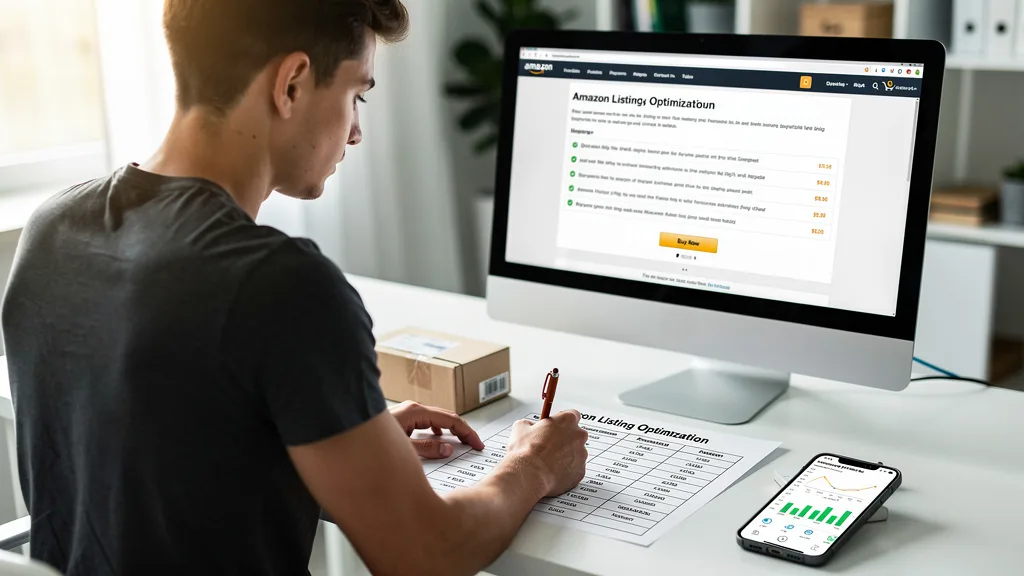
Effective listing optimization directly influences your organic ranking, which reduces your dependency on paid advertising and lowers your overall Advertising Cost of Sale (ACoS). A well-optimized page converts browsers into buyers at a higher rate, which Amazon's algorithm rewards with better search placement. This creates a powerful flywheel effect: higher conversions lead to better ranking, which leads to more traffic and even more sales. Ignoring this foundational element means you are building your entire Amazon business on shaky ground.
How Amazon's Algorithms Rank Products in 2026
To optimize effectively, you must understand the systems that determine your product's fate. Amazon's ranking is no longer governed by a single, simple algorithm. In 2026, it's a sophisticated ecosystem of interconnected systems designed to deliver the most relevant and satisfying results to customers. Understanding these components is key to creating a listing that performs.
The A10 Algorithm: Core Relevance and Performance
The successor to the old A9 algorithm, Amazon A10 places a heavier emphasis on factors that signal customer satisfaction and product authority. While keyword relevance in your title, bullet points, and backend is still critical, A10 also weighs metrics like seller authority, click-through rate (CTR), conversion rate, and sales history more heavily. It analyzes user behavior to determine if your listing genuinely meets customer needs.
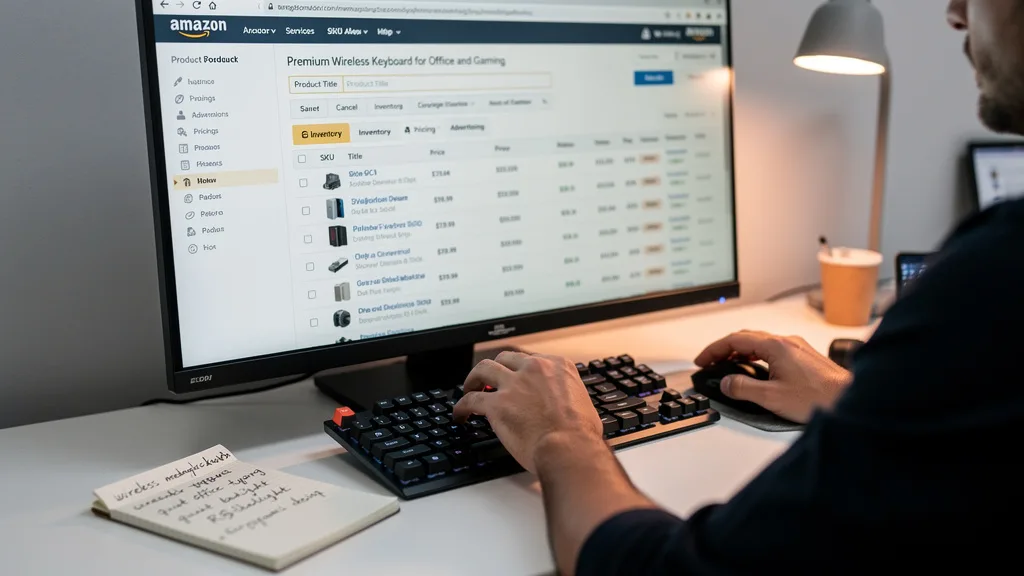
This means simply stuffing keywords is an outdated and ineffective strategy. Your listing must be compelling enough to earn clicks from the search results page and persuasive enough to convert that traffic into sales. Positive reviews, high-quality images, and informative A+ Content all send strong signals to the A10 algorithm that your product is a trustworthy choice for customers. A key part of your strategy should include a deep dive into Amazon SEO to align with these principles.
COSMO: Amazon's Semantic Knowledge Graph
COSMO (Customer, Object, Seller, Metadata, and Ontology) is Amazon's massive knowledge graph that understands the relationships between products, shoppers, and search queries. It goes beyond exact-match keywords to comprehend semantic meaning and context. For example, COSMO knows that a search for "outdoor party lights" is related to products like "string lights," "patio lanterns," and "garden illumination."
This system allows Amazon to surface relevant products even if the customer's exact search term isn't in the listing. To leverage COSMO, your listing content should use a rich vocabulary of primary, secondary, and long-tail keywords that comprehensively describe your product's features, uses, and benefits. Think about the different ways a customer might search for your item and incorporate that language naturally into your copy.
Rufus AI: The New Conversational Conversion Engine
Introduced as Amazon's next-generation shopping assistant, Rufus AI is changing how customers discover and research products. This conversational AI answers customer questions, compares products, and provides recommendations based on a deep understanding of Amazon's entire catalog and web data. It acts as a personal shopping expert, guiding users through their purchase journey.
For your listing to perform well with Rufus, it needs to be structured with clear, factual, and easily digestible information. Your bullet points and product description should directly answer common customer questions. Including detailed specifications, use-cases, and clear benefits gives Rufus the data it needs to confidently recommend your product over a competitor's. Listings that are vague or lack comprehensive details will be overlooked by this powerful AI engine.
A systematic approach is the best way to ensure every part of your listing is working to drive sales. This checklist breaks down the essential components you need to review and refine. By methodically working through each step, you can build a high-converting product page that attracts customers and satisfies Amazon's algorithms.
"In 2026, a successful Amazon listing is a conversation with both the customer and the algorithm. Your goal is to provide clear, persuasive information that satisfies the shopper's needs while signaling relevance and authority to Amazon's ranking systems. The most successful sellers are those who master this dialogue."
To help you organize your efforts, here is a summary of the core optimization areas. Each of these elements plays a distinct role in capturing shopper attention and driving conversions.

| Checklist Item | Primary Goal | Key Best Practices for 2026 |
|---|---|---|
| Product Title | Attract Clicks & Signal Relevance | Brand + Main Keyword + Key Feature/Benefit + Size/Color |
| Bullet Points | Convert Shoppers with Benefits | Start each with a capitalized benefit, use all 5 slots, answer key questions. |
| Images & Video | Visually Demonstrate Value | Use high-resolution (2000px+), lifestyle photos, infographics, and a product video. |
| A+ Content | Enhance Brand Story & Trust | Use comparison charts, rich brand visuals, and detailed feature callouts. |
| Backend Search Terms | Capture Hidden Traffic | Fill with long-tail keywords, synonyms, and Spanish terms. No commas or repetition. |
| Pricing & Promotions | Drive Conversions & Velocity | Set a competitive price, use coupons, and consider running deals to boost initial sales. |
Step 1: Craft a Keyword-Rich Product Title
Your product title is the single most important element for keyword ranking and click-through rate. It's the first thing a customer sees in search results and must be both informative and enticing. A strong title clearly communicates what the product is while incorporating the most important keywords shoppers are using.
A proven formula for 2026 is: [Brand Name] + [Main Keyword Phrase] + [Top 2-3 Features/Benefits] + [Size/Quantity/Color]. This structure provides immediate clarity to the shopper and feeds the most critical relevance signals to the A10 algorithm. Avoid keyword stuffing or making the title unreadable. The goal is to balance human readability with algorithmic relevance for maximum impact.
Step 2: Write Compelling Bullet Points That Convert
Once a shopper clicks on your listing, the bullet points are your primary tool for conversion. This is your chance to expand on the benefits and features mentioned in the title and address potential customer questions or objections. Each bullet point should be crafted to sell the product, not just describe it. Amazon PPC Management.
Use all five available bullet point slots. Start each point with a capitalized, benefit-oriented phrase to grab attention (e.g., "ALL-DAY COMFORT & SUPPORT"). Follow this with a concise explanation of the feature that delivers that benefit. Weave in secondary keywords naturally and use the space to overcome purchase barriers by highlighting warranties, materials, or unique selling propositions. Think of this section as a quick sales pitch that convinces the customer your product is the best solution.
Step 3: Use High-Resolution Images and Video to Boost Sales
Humans are visual creatures, and on Amazon, your images do the heavy lifting. Shoppers cannot touch or feel your product, so your image stack must create that tangible experience for them. High-quality visuals are directly correlated with higher conversion rates and can significantly reduce returns by setting clear expectations.
Your image gallery should include at least seven high-resolution images (2000x2000 pixels to enable zoom) on a pure white background for the main image, supplemented by lifestyle photos showing the product in use, infographics calling out key features, and a size/scale comparison shot. Most importantly, adding a product video can dramatically increase engagement and conversions. A short video demonstrating the product's function and benefits is one of the most powerful conversion tools available to sellers.
Step 4: Leverage A+ Content for Enhanced Brand Storytelling
For brand-registered sellers, A+ Content (formerly Enhanced Brand Content) is a critical opportunity to tell a deeper brand story and further differentiate your product. This section appears below the fold in the product description area and allows you to use a rich combination of images, text, and comparison charts to build brand equity and increase conversion rates by up to 10%, according to Amazon.
Use A+ Content to overcome common purchase hesitations, showcase your brand's mission, and compare your product against others in your line. Visually appealing modules that highlight unique features or guide the customer through the product's benefits can significantly boost shopper confidence. This is your space to go beyond simple specs and connect with the customer on an emotional level, turning a simple transaction into a brand experience. For more in-depth strategies, explore a complete Amazon listing optimization guide.
Step 5: Optimize Backend Search Terms for Hidden Visibility
The backend search term fields in Seller Central are your secret weapon for improving visibility. These keywords are not visible to customers but are fully indexed by Amazon's search algorithm. This is the perfect place to include keywords that you couldn't fit into your title or bullet points, such as common misspellings, synonyms, and long-tail search queries. Amazon PPC Audit.
Follow Amazon's best practices for this section: do not repeat keywords already used in your title or other indexed fields, do not use commas, and use a single space to separate terms. Fill the space with relevant search terms that customers might use. For the US marketplace, it's also a smart strategy to include Spanish translations of your main keywords to capture a wider audience. This is pure, direct communication with the A10 algorithm.
Step 6: Set a Competitive Pricing and Promotion Strategy
Your listing's optimization isn't just about words and images; it's also about price. Your pricing strategy directly impacts your Buy Box ownership percentage and conversion rate. You must price your product competitively within its category while maintaining healthy profit margins. Tools like Jungle Scout or Helium 10 can help you analyze competitor pricing.
Beyond the base price, leverage promotions to drive initial sales velocity, which is a key ranking factor. Offering coupons (the orange badges are highly visible in search results) can significantly improve your click-through rate. Consider running limited-time deals or lightning deals to generate a surge in sales and reviews, which will provide a long-term boost to your organic ranking. Understanding your numbers is key, especially when factoring in advertising spend and your target Amazon PPC cost.
Building Trust: Managing Customer Reviews and Ratings
Customer reviews are the lifeblood of social proof on Amazon. A high star rating and a healthy volume of positive reviews are among the most influential factors in a customer's purchase decision. In 2026, actively managing your reviews is not optional; it's a core component of maintaining a healthy listing. A few negative reviews can quickly sink a product's conversion rate and ranking.

Encourage reviews through Amazon's 'Request a Review' button or by using approved third-party email follow-up services. Monitor your reviews daily and respond publicly to negative feedback where appropriate, showing prospective customers that you are an engaged and responsible seller. Use feedback, both positive and negative, as a valuable source of data to improve your product and your listing copy. Addressing a common complaint in your bullet points or A+ content can help future customers make a more informed decision and reduce returns.
Advanced Optimization Tactics for New Sellers
Once you have mastered the fundamentals of listing optimization, you can begin to explore more advanced strategies to gain a competitive edge. These tactics can help you increase your catalog's visibility, improve average order value, and offer customers more choices, all of which are positive signals to Amazon's algorithms.
Using Parent-Child Variations Effectively
If you sell a product that comes in different sizes, colors, styles, or quantities, you should use parent-child variations. This strategy groups all related products onto a single detail page. The primary benefit is that it consolidates sales history and customer reviews from all child products under one parent listing. This means a new color variation instantly benefits from the reviews and sales velocity of your established best-seller.
This consolidation provides a massive boost in social proof and perceived popularity, making the entire product family rank higher than individual listings would. It also improves the customer experience by allowing shoppers to easily see all available options in one place without having to navigate to multiple pages. When setting up variations, ensure your titles and images for each child ASIN are clear so customers know exactly which option they are selecting.
Creating and Managing Virtual Product Bundles
The Virtual Product Bundle tool, available to brand-registered sellers, allows you to create 'virtual' bundles of 2 to 5 complementary products from your catalog without packaging them together or changing FBA inbound inventory. These bundles are sold together from a single detail page, which is a fantastic way to increase average order value.
For example, if you sell a yoga mat, you can create a virtual bundle that includes the mat, a yoga block, and a carrying strap. This encourages customers to buy a complete set from you rather than sourcing accessories from competitors. Bundles can also help you cross-promote your products and improve the visibility of slower-moving items by pairing them with best-sellers. It's a powerful tool for increasing customer lifetime value and dominating your niche.
Key Takeaways
Optimizing your Amazon listing is an ongoing process, not a one-time task. As you prepare to launch or scale your products in 2026, keep these core principles at the forefront of your strategy. Mastering them is essential for standing out in a crowded marketplace and building a profitable, long-term brand on Amazon.
- Algorithms Evolve: Success on Amazon in 2026 requires understanding not just keywords but also user behavior signals for the A10 algorithm and the semantic context understood by COSMO and Rufus AI.
- Content is King: Your title, bullet points, and A+ Content must work together to attract, inform, and convert. Each element has a specific job, from earning the click to closing the sale.
- Visuals Sell: High-resolution images and product videos are non-negotiable. They build trust, set expectations, and are a primary driver of conversion rates.
- Data is Your Guide: Use backend search terms to capture hidden traffic, and leverage customer reviews as direct feedback to continuously improve your product and listing.
- Trust is Everything: Every element of your listing, from the clarity of your copy to your star rating, contributes to building shopper confidence. A trustworthy listing is a high-converting listing.
Frequently Asked Questions
How long does it take to see results from Amazon listing optimization?
You can see initial results from Amazon listing optimization, such as an increase in impressions and click-through rates, within a few days to a week after the changes are indexed by the algorithm. However, significant changes in organic ranking and sales velocity typically take several weeks to materialize as Amazon's A10 algorithm gathers data on your new conversion rates and customer satisfaction signals.
The full impact depends on factors like your product category's competitiveness, your starting point, and the quality of your changes. Consistent monitoring and small, data-driven adjustments are more effective than sporadic, drastic overhauls. Patience and persistent effort are key to achieving sustainable long-term growth.
What are the most common mistakes new sellers make with listings?
The most common mistake new sellers make is neglecting keyword research and creating a title and bullet points based on assumptions rather than data. This leads to low visibility from the start. Another frequent error is using low-quality or insufficient product images, which fails to build trust and results in poor conversion rates.
Additionally, many new sellers ignore the backend search term fields, leaving valuable 'hidden' visibility on the table. Finally, failing to get initial reviews quickly can stall a product's launch. Avoiding these pitfalls by following a structured Amazon Listing Optimization Checklist from day one is crucial for building momentum and establishing a foothold in the market.
Can you use HTML in an Amazon product description in 2026?
As of 2026, Amazon has officially deprecated the use of HTML tags in standard product descriptions for most sellers. Attempting to use tags like bolding (<b>) or line breaks (<br>) will result in the code being ignored or displayed as plain text, making the description look unprofessional and difficult to read.
The proper way to create a visually rich and formatted description is by using A+ Content, which is available to all sellers enrolled in the Amazon Brand Registry program. A+ Content provides a user-friendly, module-based editor that allows you to add enhanced images, comparison charts, and formatted text without needing any HTML code.
How often should you update your Amazon product listing?
You should conduct a major review of your Amazon product listing at least once per quarter. This involves re-evaluating your main keywords, analyzing competitor changes, and updating images or copy based on new customer feedback from reviews. However, you should be monitoring performance metrics like sessions, CTR, and conversion rate on a weekly basis.
Small, iterative tweaks can be made more frequently. For instance, if you notice a recurring question in the Q&A section, you should immediately update a bullet point or your A+ Content to address it. The key is to treat your listing as a living document that evolves with market trends, customer feedback, and your own performance data.
What tools are best for Amazon keyword research?
For comprehensive Amazon keyword research in 2026, a multi-tool approach is most effective. Industry-leading software suites like Helium 10 and Jungle Scout are essential. Their tools allow you to find high-volume keywords, analyze competitor strategies, and perform reverse-ASIN lookups to see exactly which terms are driving traffic for top sellers.
In addition to these, leveraging Amazon's own data is critical. Pay close attention to your 'Search Query Performance' report in Brand Analytics and your PPC advertising 'Search Term' reports. These provide direct insight into the exact phrases customers are using to find and purchase your products. Combining third-party tools with Amazon's first-party data gives you the most complete picture. For sellers looking to push the boundaries, exploring the best AI tools for Amazon sellers can also uncover new opportunities.
Conclusion
Following this Amazon listing optimization checklist for new sellers is the most direct path to building a foundation for scalable, profitable growth. It's not about finding a single 'hack' or 'trick' to fool the algorithm. Instead, it's a systematic process of communicating your product's value clearly to both customers and Amazon's ranking systems. A well-optimized listing is your hardest-working asset, driving organic traffic and converting shoppers 24/7.
The key takeaways are clear: you must build for the modern Amazon ecosystem. This means crafting content for A10 and Rufus AI, investing in professional-grade visuals, and using every available field to signal relevance and authority. By meticulously optimizing your title, bullets, images, A+ Content, and backend terms, you create a powerful flywheel that boosts visibility, increases conversions, and solidifies your brand's position in the marketplace.
While this checklist provides the strategic framework, execution can be complex and time-consuming, especially when you are also managing inventory, PPC, and customer service. Misinterpreting data or making a mistake in one area can negate hard work in another. This is where expert guidance can accelerate your growth and prevent costly errors.
If you are a 7-figure brand owner serious about scaling to 8-figures, ensuring your listings are perfectly optimized is the critical first step. I offer a comprehensive audit to identify hidden opportunities and critical flaws in your current listings. Get your Free Audit today and let's build a profitable growth plan for your brand.