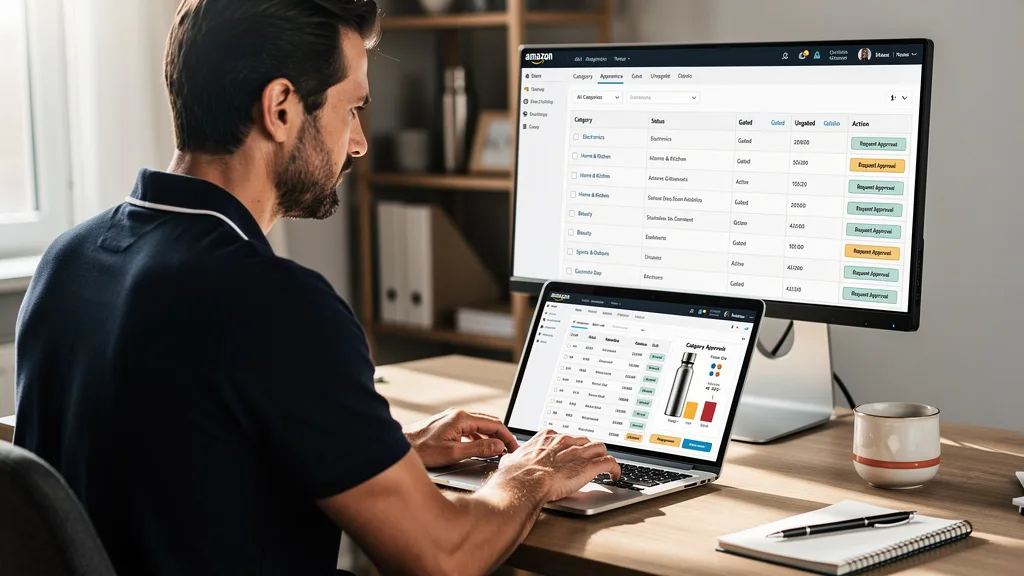
Are you leaving money on the table by sticking only to open categories on Amazon? For many 7-figure sellers aiming to scale, the barrier of gated categories isn't a roadblock, it's a hidden opportunity for massive growth with less competition.
Getting Amazon FBA category approval is the process of gaining permission to sell products in restricted categories that Amazon limits to pre-approved sellers. This typically involves providing valid invoices from authorized suppliers and ensuring your seller account meets specific performance metrics. Successfully getting ungated unlocks access to higher-margin products and less saturated markets, which is crucial for scaling your brand to 8-figures and beyond in 2026.
Understanding Gated vs. Ungated Categories on Amazon
Navigating Amazon's marketplace requires understanding its rules of engagement, and one of the most fundamental concepts is the difference between gated and ungated categories. This distinction directly impacts your product sourcing strategy, potential profitability, and the overall trajectory of your FBA business. For serious brand owners, mastering this landscape is a non-negotiable step toward scaling.
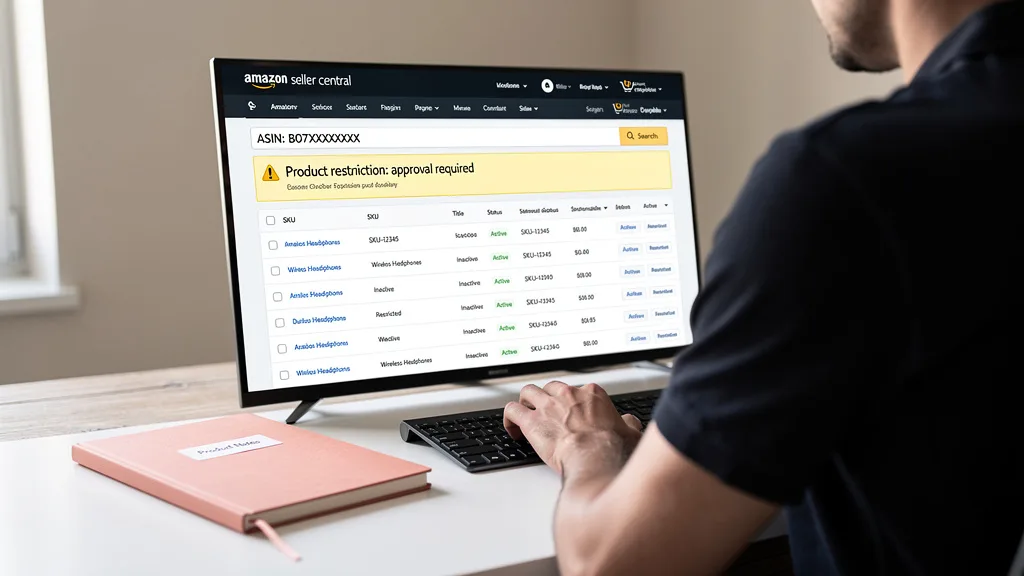
Amazon's primary goal is to maintain customer trust. By gating certain categories, Amazon ensures that sellers meet a higher standard of quality, authenticity, and safety. This protects customers from counterfeit goods, expired products, or items that require special handling or expertise, thereby preserving the integrity of the marketplace.
What Are Gated and Restricted Categories?
Gated, or restricted, categories are product classifications on Amazon that require sellers to obtain special approval before they can list items for sale. These restrictions are in place for several reasons, including consumer safety (e.g., Baby Products, Dietary Supplements), product authenticity (e.g., Fine Jewelry, Watches), and quality control (e.g., Grocery & Gourmet Food). Ungated categories, on the other hand, are open to all professional sellers without needing prior approval.
Amazon also restricts specific brands (like Nike or Apple) and certain ASINs even within ungated categories. Therefore, "getting ungated" can refer to gaining access to a whole category, a specific brand, or even a single product. The process demonstrates to Amazon that you are a legitimate business sourcing products from reliable channels.
Key Benefits of Getting Ungated for Your FBA Business
While the approval process may seem like a hurdle, the rewards are significant for sellers willing to put in the effort. The most immediate benefit is reduced competition. Since many sellers either don't know how or don't want to go through the process, approved sellers enjoy a less crowded marketplace, which can lead to better pricing power and higher profit margins.
Getting ungated allows you to expand your product catalog into lucrative areas, tapping into new customer bases and diversifying your revenue streams. This is essential for long-term growth and stability. By unlocking these categories, you can often find low-competition Amazon niches that are perfect for building a defensible brand presence and scaling from 7 to 8 figures.
How to Check if a Product Requires Approval
Before you invest in a large inventory of products, it is crucial to verify whether you are permitted to sell them. Wasting capital on a huge inventory you can't list is a costly mistake that can set your growth back months. Thankfully, Amazon provides a few straightforward methods to check for restrictions directly within its ecosystem.
Using these built-in tools should become a standard part of your product research and sourcing workflow. A quick check can save you from significant financial loss and the frustration of having your capital tied up in unsellable stock. Make it a habit to verify every new product, even if it's from a brand you've sold before, as restrictions can change.
Using the Amazon Seller App
The Amazon Seller App is an invaluable tool for sellers on the go, particularly for those doing retail arbitrage or attending trade shows. The app has a scanning function that allows you to scan a product's barcode. Once scanned, the app will display product details and, most importantly, any selling restrictions.
If you don't have the product in hand, you can also use the app to search for it by name or ASIN. The results will clearly state if the product is in a gated category or has brand-specific restrictions. It will show a "Restrictions" section, and if you are not approved, it will prompt you to request approval.
Checking Directly in Your Seller Central Account
The most definitive way to check for restrictions is within your Seller Central dashboard. This method provides the most accurate and up-to-date information regarding your specific account's eligibility to sell a product. It is the gold standard for verification before making any purchasing decisions.
To do this, log in to your Seller Central account, navigate to "Inventory," and select "Add a Product." Enter the product's ASIN, UPC, EAN, or name into the search box. In the search results, you will see a "Sell this product" or "Apply to sell" button next to the item. If it says "Apply to sell," the product is restricted, and clicking the button will begin the ungating application process.
Your Step-by-Step Guide to Amazon Category Approval for 2026
Securing category approval is a systematic process. While Amazon's specific requirements can seem opaque, following a clear, step-by-step plan dramatically increases your chances of a swift and successful outcome. This guide for 2026 breaks down the process into actionable steps for serious sellers.
Step 1: Ensure Your Account Meets Amazon's Standards
Before you even think about applying, your seller account must be in good standing. Amazon wants to see that you are a reliable and trustworthy seller. This means having a Professional Selling Plan, which is a prerequisite for applying to most gated categories. Your account health metrics must also be strong.
Pay close attention to your Order Defect Rate (ODR), which should be below 1%, your Late Shipment Rate (LSR) under 4%, and your Pre-fulfillment Cancel Rate under 2.5%. A healthy account with a positive track record signals to Amazon that you are a low-risk partner, making them more likely to grant your approval request.
Step 2: Source Products and Obtain Valid Invoices
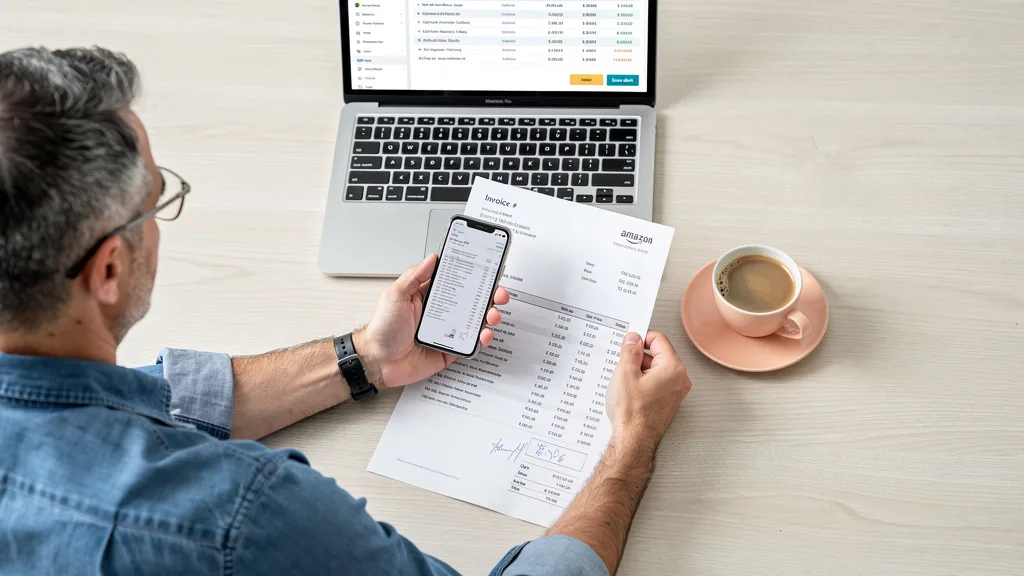
This is the most critical step where many new sellers fail. Amazon requires proof that you are sourcing authentic products from legitimate suppliers. You must provide an invoice from a manufacturer or authorized distributor, not a proforma invoice or a retail receipt from another store.
The invoice must be dated within the last 90-180 days (depending on the category) and must include your name and address, matching the information on your Seller Central account. It also needs to show the supplier's name, address, phone number, and website. The invoice should detail a purchase of a reasonable quantity, typically at least 10 units of the product you are applying to ungate. After getting approval, you'll need to focus on visibility, and a good Amazon listing optimization guide can be your next step.
"The single biggest point of failure in the ungating process is an invalid invoice. Your success hinges on sourcing from a verifiable, authorized supplier and ensuring every piece of information on that invoice perfectly matches your Seller Central details. Don't try to fake it; Amazon's verification systems in 2026 are more sophisticated than ever."
Step 3: Navigate Seller Central to Submit Your Application
With your account in good standing and your valid invoice in hand, it's time to apply. Log in to Seller Central, go to "Inventory" > "Add a Product," and search for the ASIN you want to sell. Click the "Apply to sell" button. This will take you to the application page.
You will be asked to submit the required documentation. This usually means uploading clear, high-resolution images or PDF scans of your invoice(s). Ensure the entire document is visible, with no information cut off. Sometimes, you may also need to provide photos of the product or its packaging. Fill out any required fields and submit your application.
Step 4: Monitor Your Case Log and Respond Promptly
Once you submit your application, Amazon will create a case in your Case Log. You can find this by clicking the "Help" button in Seller Central and viewing your case history. It is vital to monitor this case for any updates or requests for additional information from Amazon.
If Amazon requires more details, respond as quickly and accurately as possible. Delays in your response can cause your application to be closed or denied. If you encounter issues or feel the review is stuck, knowing how to get fast Amazon seller support can be a significant advantage. A prompt and professional follow-up shows Amazon you are a serious and organized seller.
Common Restricted Categories and Specific Requirements
While the core process is similar across the board, specific requirements can vary significantly between categories. Some categories have been historically difficult to enter, while others may have slightly more lenient documentation standards. Being aware of these nuances can help you prepare a stronger application. For example, categories dealing with safety, like Automotive or Baby products, often have stricter testing and certification requirements.
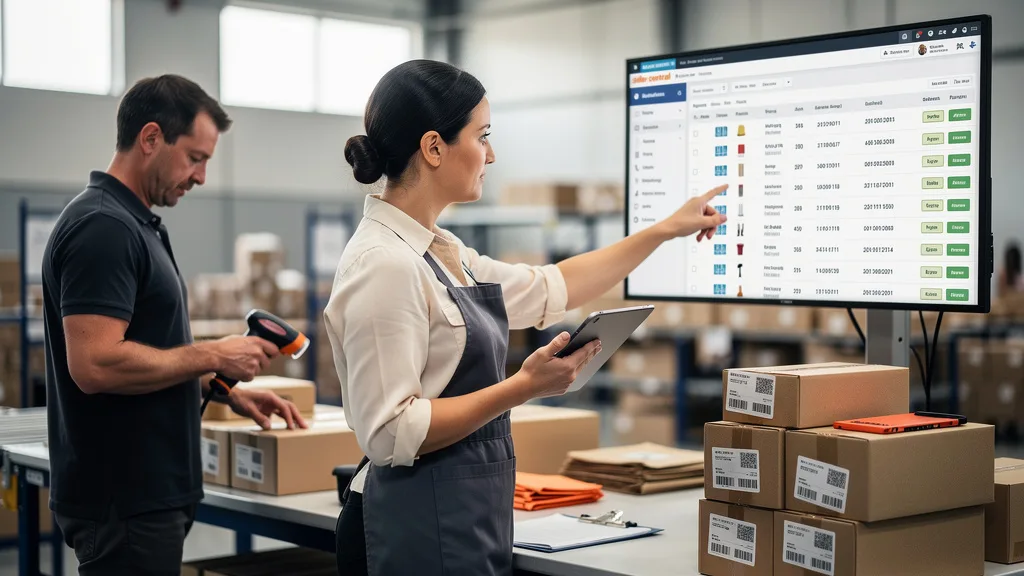
Below is a table outlining some of the most common restricted categories and their typical requirements as of 2026. Keep in mind that Amazon's policies are dynamic and can change, so always check the latest requirements in Seller Central before applying. For more details on brand-specific restrictions, you can learn How to Get Ungated on Amazon's top restricted brands.
| Category | Typical Requirements | Why It's Gated |
|---|---|---|
| Fine Jewelry | Professional plan, meet Quality Assurance Standards, application fee, valid invoices. | High value, risk of counterfeit items, customer trust. |
| Watches & Watch Accessories | Professional plan, invoices from manufacturer/distributor showing minimum quantity. | Brand protection, authenticity, preventing fraud. |
| Grocery & Gourmet Food | Invoice from a wholesaler, good account health metrics, product photos. | Food safety, expiration dates, quality control. |
| Dietary Supplements | Invoices, Certificate of Analysis (COA), GMP certification, product images. | Extreme health and safety concerns, regulatory compliance. |
| Automotive & Powersports | Invoices, business website, product images with UPCs. | Safety, compatibility, and technical specifications. |
Timeline: How Long Does Amazon Ungating Usually Take?
One of the most common questions from sellers is about the timeline for approval. The answer varies widely. Some sellers report receiving automated approval within minutes of applying, especially for certain sub-categories or if they have a long and pristine selling history. This is the best-case scenario.
More realistically, you should expect the process to take anywhere from a few days to a few weeks. If your application requires manual review, the timeline depends on the current volume of applications and the complexity of your case. A clean, perfectly documented application is more likely to be processed quickly. If Amazon requests more information, the clock effectively resets, which is why getting it right the first time is so important.
Pro Tips for a Faster and Successful Application
While patience is a virtue, there are several strategies you can employ to accelerate the approval process and improve your odds of success on the first try. These tips are based on years of experience helping brands navigate Amazon's ecosystem and avoid common pitfalls.
Partner with Authorized Suppliers
Do not use receipts from retail stores like Walmart or Target. Amazon wants to see a B2B relationship. You must buy directly from a brand's authorized distributor or the manufacturer itself. Establishing a business partnership with legitimate suppliers not only provides you with the correct documentation but also ensures a stable, authentic supply chain for your business as you scale.
When vetting suppliers, ask them directly if they are an authorized distributor and if their invoices are accepted by Amazon for ungating purposes. Reputable suppliers who work with Amazon sellers will understand exactly what you need and can be a valuable resource.
Avoid Common Invoice and Documentation Mistakes
A single mistake on your paperwork can lead to an instant rejection, forcing you to start over. Meticulous attention to detail is your best friend. Double and triple-check that every piece of information is correct and legible before you hit submit.
- Do not submit retail receipts: Only commercial invoices are accepted.
- Do not alter the invoice: Any modification, even to highlight information, can get your application flagged. Submit the original document as you received it.
- Check your information: Ensure the name and address on the invoice exactly match the legal business name and address in your Seller Central account.
- Ensure supplier info is complete: The invoice must have the supplier's full name, address, phone number, and website. Amazon may try to contact them.
- Submit clear scans: Blurry or cropped images of your documents will be rejected. Use a scanner or a high-quality scanning app on your phone.
Applying During Business Hours for Quicker Responses
While not a guaranteed method, some sellers have found that submitting applications during standard US business hours (e.g., 9 AM to 5 PM, Pacific or Eastern Time) can lead to faster initial responses. The theory is that your application is more likely to be picked up by a US-based support team during these hours, which can sometimes lead to a quicker and more straightforward review process.
This is a minor tweak, but in a process where every hour can feel like a day, it's a simple strategy to try. At the very least, it ensures your application enters the queue at the start of a reviewer's workday rather than at the end of it.
Key Takeaways
Successfully navigating the Amazon FBA category approval process is a key milestone for any seller looking to scale. It's a gatekeeper that, once passed, opens up a world of less-saturated markets and higher-margin opportunities. Here are the most critical points to remember:
- Account Health is Paramount: Your account must be in excellent standing with a Professional Selling Plan before you apply.
- Invoices are Everything: Use only valid, unaltered invoices from authorized distributors or manufacturers. This is non-negotiable.
- Be Meticulous: Double-check that all information on your invoice perfectly matches your Seller Central account details.
- Check First, Buy Later: Always use the Seller App or Seller Central's "Add a Product" tool to check for restrictions before investing in inventory.
- Patience and Persistence Pay Off: The process can take time. If rejected, analyze the reason, fix the issue, and reapply. Don't give up.
Frequently Asked Questions
Here are answers to some of the most common questions sellers have about getting ungated on Amazon.
How much does it cost to get ungated on Amazon?
The application process itself is free. However, there are associated costs. You will need a Professional Selling Plan ($39.99/month), and you must purchase inventory (typically 10+ units) to obtain the required invoice. Some rare categories, like Fine Jewelry, may have a separate application fee. The main cost is the investment in inventory from an authorized supplier.
Can a new seller get ungated on Amazon?
Yes, a new seller can get ungated, but it can be more challenging. Amazon prefers to see a history of successful selling and good performance metrics. However, if you have a Professional account, source from a legitimate supplier, and provide a perfect invoice, approval is possible. For insights from other sellers on this topic, you can review community discussions about How to get ungated on Amazon as a new seller.
What should I do if my ungating application is rejected?
First, don't panic. Read the rejection notice carefully to understand why it was denied. The reason is often a problem with the invoice. Common issues include unverifiable supplier information, mismatched addresses, or submitting a retail receipt. Correct the issue, for example by getting a new, compliant invoice, and then re-apply. If the reason isn't clear, you can open a case with Seller Support to ask for clarification.
Do I need an LLC or business license for category approval?
While not always strictly required by Amazon for every category, having a registered business entity like an LLC and a business license is highly recommended. It demonstrates to Amazon that you are a serious, legitimate business. Furthermore, many authorized wholesale suppliers will only sell to registered businesses, so it's a critical step for obtaining the proper invoices needed for ungating.
Does getting ungated in a category also ungate all brands within it?
Not necessarily. Category approval and brand approval are two separate things. Getting ungated in "Grocery" allows you to apply to sell products in that category, but you may still be restricted from selling major brands like Coca-Cola or Kellogg's. These brands often have their own separate "brand gating" that requires another layer of approval, sometimes involving a letter of authorization from the brand itself.
Conclusion
Mastering Amazon FBA category approval is no longer optional for sellers serious about scaling past seven figures in 2026. It's a fundamental skill that separates amateur sellers from professional brand builders. By following the steps outlined, preparing your documentation meticulously, and sourcing from legitimate suppliers, you can transform these perceived barriers into a powerful competitive advantage, unlocking higher profits and sustainable growth for your FBA business.
If you've successfully navigated the ungating process but are still struggling to achieve the profitability and scale you're aiming for, the issue may lie deeper in your listing optimization or PPC strategy. A comprehensive audit can identify hidden opportunities and costly errors. Ready to see what's holding your brand back from 8-figures? Get your Free Audit today.