Table of Contents 10 sections
Are you struggling to get your products noticed on the crowded Amazon marketplace? With millions of sellers competing for attention, simply listing a product is no longer enough. The key to visibility and sales lies in strategic optimization, a process that can feel overwhelming for newcomers. Fortunately, by focusing on a few core areas, you can significantly improve your product's performance and start building a successful Amazon business in 2026.
Optimizing an Amazon listing involves refining every component of your product page, from the title and images to the backend keywords, to improve its visibility in search results and persuade customers to make a purchase. For beginners, this means focusing on comprehensive keyword research, creating high-quality visual content, writing compelling copy, setting a competitive price, and actively managing customer reviews. Mastering these elements is the foundation for driving more sales and growing your brand on the platform.
Understanding the Core Components of an Amazon Listing
An Amazon listing is more than just a product page; it's a complex ecosystem of elements that work together to attract and convert shoppers. The primary components you must master are the product title, images, bullet points, product description (including A+ Content), and backend search terms. Each of these plays a distinct role in how Amazon's A9 search algorithm ranks your product and how potential buyers perceive its value.
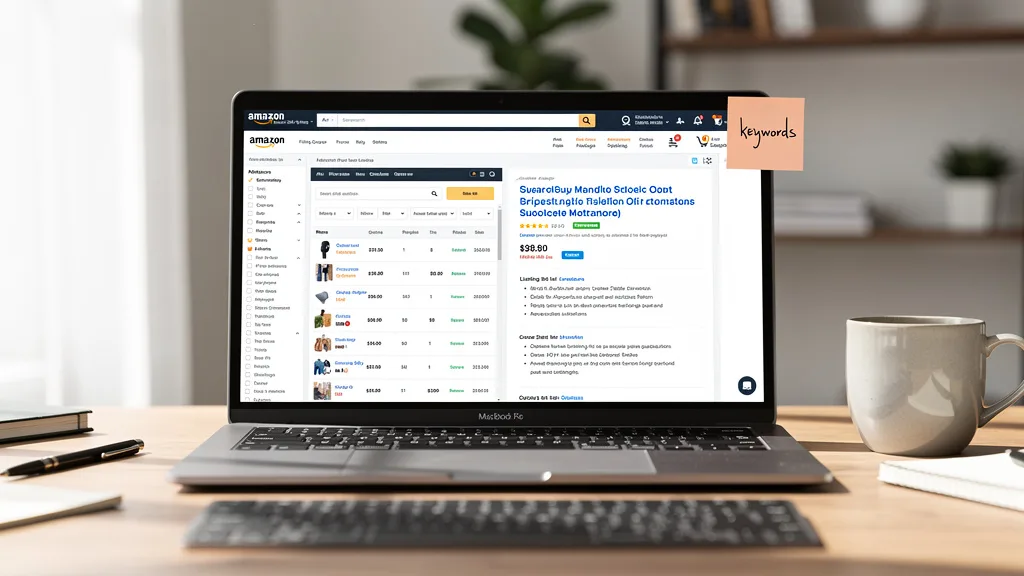
Beyond the content, your listing's performance is also heavily influenced by its price, fulfillment method, and customer reviews. A competitive price can help you win the coveted Buy Box, while a strong review portfolio builds trust and social proof. Understanding how each of these parts interacts is fundamental to creating a listing that not only gets discovered but also convinces customers to click the 'Add to Cart' button, ultimately improving customer engagement and sales.
How to Optimize Amazon Listings with Strategic Keywords
Keywords are the foundation of Amazon SEO. They are the search terms customers type into the Amazon search bar to find products like yours. Integrating the right keywords throughout your listing tells Amazon's algorithm that your product is relevant to those searches, which is the first and most critical step to appearing on the first page of results. Without a solid keyword strategy, even the best product will remain invisible to the majority of potential buyers.

The goal is to think like your customer. What words and phrases would they use to describe their problem or the solution they need? Your task is to identify these terms and strategically place them in the most important parts of your listing, including the title, bullet points, and backend search fields. This process helps customers discover your products and gives them the confidence to make informed purchasing decisions.
Conducting Effective Keyword Research for Your Niche
Effective keyword research begins with understanding your target audience and competitors. Start by typing your main product idea into the Amazon search bar and see what terms auto-populate. These suggestions are based on what real customers are actively searching for. Next, analyze the listings of the top-selling products in your niche. Look at the keywords they use in their titles and bullet points, as these are likely their most valuable search terms.
To go deeper, you can use specialized tools like Helium 10 or Jungle Scout, which provide detailed search volume data, competition levels, and related keywords. The goal is to build a comprehensive list of both high-volume (short-tail) and highly specific (long-tail) keywords. A strong keyword strategy is a core part of a successful Amazon SEO plan, as it directly connects your product with motivated buyers. For more advanced techniques, a comprehensive guide to Amazon Listing Optimization (Enhance Products can provide further insights.
Crafting High-Converting Product Titles
Your product title is the single most important element for keyword ranking on Amazon. It's the first thing a customer reads and carries the most weight with the A9 algorithm. A well-crafted title should be clear, informative, and packed with your most important keywords without sounding robotic or stuffed with jargon. A proven formula is to structure your title to include the brand, main keyword, key features or benefits, and essential details like size, color, or quantity.
For example, instead of "Leather Wallet," a much stronger title would be "BrandName Men's RFID Blocking Slim Leather Wallet, Bifold with 8 Card Slots, Black." This title tells both the customer and Amazon exactly what the product is and who it's for. Remember to place your most critical keyword phrase at the beginning of the title, as it has the greatest impact on search visibility. Always prioritize clarity and readability to help customers discover products easily.
Optimizing Your Backend Search Terms
Backend search terms are keywords you add to your listing in Seller Central that are invisible to customers but indexed by Amazon's search algorithm. This is your opportunity to include keywords that didn't fit naturally into your title or bullet points, such as synonyms, common misspellings, or terms in other languages relevant to your market. Think of it as a hidden treasure trove for boosting your discoverability without cluttering your public-facing copy. specialized tools like Helium 10.
To optimize this section, use the full character limit provided by Amazon (currently around 250 bytes). Do not repeat keywords that are already in your title or bullets. Use single spaces to separate words and avoid using punctuation like commas or semicolons. For instance, if you sell a yoga mat, your backend terms might include words like 'exercise pad pilates floor mat non-slip workout gear.' This is a simple yet powerful way to broaden your reach and capture more traffic.
Creating Compelling Product Images and Bullet Points
Once keywords get customers to your page, your images and bullet points do the heavy lifting of converting them. Shoppers on Amazon are highly visual and often scan information quickly. High-quality images that showcase your product from every angle, demonstrate its use, and highlight its benefits are non-negotiable. Similarly, your bullet points must be scannable, persuasive, and focused on solving the customer's problem.

Together, these elements create the core of the user experience on your product page. They must work in harmony to tell a compelling story about your product. A customer should be able to understand what your product does, how it will benefit them, and why it's better than the alternatives just by glancing at your images and reading your bullet points. This is where you move from attracting clicks to securing sales.
Following Amazon's Product Image Requirements
Amazon has strict technical requirements for product images to ensure a consistent and professional shopping experience. Your main image must be on a pure white background (RGB 255, 255, 255) and show only the product itself. All images should be high-resolution, at least 1000 pixels on the longest side, to enable the zoom feature. The product should fill at least 85% of the image frame.
Beyond the main image, your other image slots should be used strategically to tell a story. Include the following types of images to maximize your impact:
- Lifestyle Images: Show your product being used by your target customer in a real-world setting.
- Infographics: Use text and graphics to call out key features, dimensions, or technical specifications.
- Benefit-Oriented Images: Visually demonstrate the solution your product provides, such as a before-and-after shot.
- Comparison Charts: Show how your product stacks up against competitors or other models in your line.
- Packaging Photos: Display your product's packaging to set expectations and reinforce brand quality.
Writing Persuasive and Informative Bullet Points
The five bullet points near the top of your listing are prime real estate for persuasion. Many shoppers read these before ever scrolling down to the product description, so they need to be impactful. Each bullet point should start by highlighting a key feature and immediately follow up by explaining the corresponding benefit for the customer. This 'feature-benefit' framework helps shoppers connect the product's attributes to their own needs.
To make your bullet points easy to scan, start each one with an all-caps title. For example: "LEAK-PROOF DESIGN: Enjoy peace of mind knowing your gym bag will stay dry, no matter how much you toss your bottle around." Weave in your secondary keywords naturally throughout the bullets, but prioritize clear, persuasive language. Use this space to answer common questions, overcome potential objections, and paint a picture of how your product will improve the customer's life.
Developing a Detailed Product Description
The product description section is your chance to elaborate on the information presented in your bullet points and tell a more detailed story about your brand and product. For sellers who are not brand-registered, this is a plain text field where you can use basic HTML like bolding () and line breaks (<br>) to improve readability. Use this space to expand on features, share your brand's mission, and provide additional use cases.
If you are enrolled in Amazon's Brand Registry program, this section can be replaced with A+ Content. This is a game-changer for how to optimize Amazon listings for beginners in 2026, as it allows you to use rich media like custom images, comparison charts, and unique text layouts. Whether you use the standard description or A+ Content, the goal is the same: to provide comprehensive information that builds trust and helps a customer make a confident purchasing decision.
Leveraging A+ Content to Enhance the Shopping Experience
For brand-registered sellers, A+ Content is one of the most powerful tools for listing optimization. It replaces the standard text description with a visually rich, modular layout that allows you to showcase your product and brand in a much more compelling way. By using high-quality images, detailed comparison charts, and storytelling modules, you can significantly increase customer engagement and answer questions before they are even asked.
"A+ Content has been shown to increase conversion rates by up to 10% by providing a better user experience and helping customers make more informed decisions. It's an essential part of a modern Amazon strategy."
Using A+ Content helps differentiate your product from competitors who are still using plain text descriptions. It builds brand credibility and allows you to communicate your value proposition more effectively. As you plan your A+ layout, focus on visual storytelling and use the modules to address key purchase drivers and overcome common objections. This investment in your brand's presentation often pays for itself through higher sales and a lower rate of product returns, aligning with the latest ecommerce trends for brand building.
Strategic Pricing, Promotions, and Fulfillment
Optimizing your listing isn't just about words and pictures; it's also about the commercial strategy behind your product. Your pricing, promotional activities, and fulfillment method have a direct impact on your visibility, conversion rate, and profitability. A product that is priced too high may struggle to get clicks, while one priced too low may signal poor quality or erode your margins. Finding the right balance is crucial for long-term success.
Promotions like coupons and deals can create a sense of urgency and make your offer more attractive, boosting short-term sales and potentially improving your organic ranking. Finally, your choice of fulfillment method, whether through Amazon (FBA) or on your own (FBM), affects everything from shipping speed and cost to your eligibility for the coveted Prime badge, a major driver of customer trust and preference.
Setting a Competitive Price Point to Get More Clicks
Pricing is a delicate balancing act. Before setting your price, thoroughly research your competitors. What are the top sellers in your category charging? Your price should be competitive, but it doesn't necessarily have to be the lowest. Customers often associate price with quality, so undercutting everyone might hurt your brand's perception. Instead, aim to provide the best value at a given price point.
Consider all your costs, including manufacturing, shipping, Amazon fees, and marketing, to ensure you maintain a healthy profit margin. Your price also directly impacts your eligibility to win the Buy Box, the section on the product page where customers can add an item to their cart. Amazon's algorithm favors competitively priced products with a strong performance history. As you scale, understanding your advertising spend is also key, which includes knowing how much Amazon PPC costs and factoring it into your overall pricing strategy.
Using Coupons and Deals to Attract Purchases
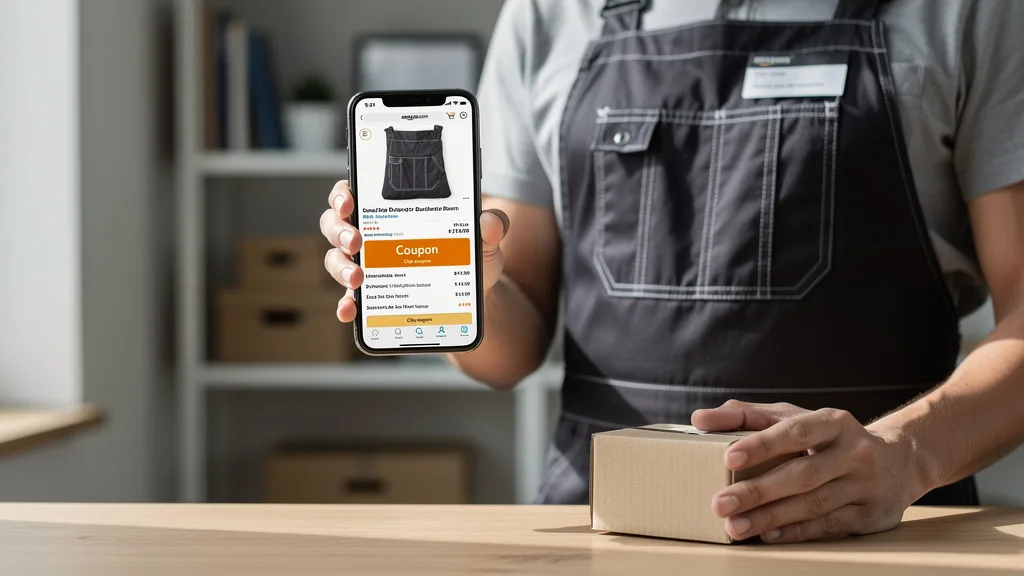
Promotions are an excellent way to boost your listing's visibility and drive sales. Amazon offers several tools, with coupons being one of the most effective for beginners. A coupon appears as a bright orange badge next to your price in search results, immediately drawing the customer's eye and making your offer more compelling. This can significantly increase your click-through rate (CTR) and give you an edge over competitors.
Beyond coupons, you can also explore Lightning Deals or Deals of the Day as your sales history grows. These time-sensitive promotions create urgency and can lead to a massive spike in sales and visibility. When used strategically, promotions can help you launch a new product, clear out excess inventory, or improve your organic ranking due to the increased sales velocity. These efforts are often supported by a strong advertising campaign, making effective Amazon PPC management a critical component of your promotional strategy.
Choosing Between FBA and FBM for Shipping
Your fulfillment method is a critical decision that impacts your operations and customer experience. The two main options are Fulfillment by Amazon (FBA) and Fulfillment by Merchant (FBM). With FBA, you send your inventory to Amazon's warehouses, and they handle storage, packing, shipping, and customer service. With FBM, you are responsible for all these tasks yourself or through a third-party logistics (3PL) provider.
For most beginners, FBA is the recommended choice because it automatically makes your products eligible for Amazon Prime, which includes free two-day shipping for millions of members. The Prime badge is a massive conversion driver. While FBA comes with fees, it frees you up to focus on other aspects of your business, like marketing and product development. FBM offers more control over inventory and potentially lower fees but requires significant logistical effort.
Here is a comparison of the two methods:
| Feature | Fulfillment by Amazon (FBA) | Fulfillment by Merchant (FBM) |
|---|---|---|
| Prime Eligibility | Automatic | Requires Seller Fulfilled Prime (difficult to qualify for) |
| Shipping & Handling | Handled by Amazon | Handled by Seller |
| Customer Service | Handled by Amazon | Handled by Seller |
| Fees | Fulfillment fees and monthly storage fees | Only Amazon's referral fee |
| Inventory Control | Less control; subject to Amazon's policies | Full control over inventory and packaging |
How to Earn Quality Reviews and Build Social Proof
Customer reviews are the lifeblood of an Amazon listing. They provide the social proof that modern shoppers rely on to make purchasing decisions. A high average star rating and a healthy number of reviews can dramatically increase your conversion rate. Conversely, a lack of reviews or a string of negative ones can be a death sentence for a product. Earning reviews should be a top priority from day one.
Amazon has strict policies against incentivizing reviews, so you must use legitimate methods. The simplest way is to use the "Request a Review" button on your order details page in Seller Central. This sends a standardized, policy-compliant email to the buyer asking for both a product review and seller feedback. For brand-registered sellers, the Amazon Vine program allows you to give free products to a pool of trusted reviewers to generate early, unbiased reviews. Ultimately, the best way to earn positive reviews is to offer a great product and provide outstanding customer service.
Monitoring Performance and Making Data-Driven Adjustments
Amazon listing optimization is not a one-time task; it's an ongoing process of testing, measuring, and refining. Your Seller Central account contains a wealth of data in the Business Reports section that you must monitor regularly. Key metrics to track include sessions (the number of unique visitors to your page), page views, and the unit session percentage (your conversion rate).
If you see a lot of sessions but a low conversion rate, it might indicate a problem with your images, bullet points, or price. If your sessions are low, your keyword strategy or main image may need improvement. Use this data to form hypotheses and conduct A/B tests. For example, you can change your main image for two weeks and see how it impacts your click-through rate and sessions. A continuous improvement mindset, backed by data, is what separates successful sellers from those who stagnate. A regular Amazon PPC audit can also reveal valuable performance data. For a comprehensive overview, an authoritative Amazon Listing Guide can be a valuable resource.
Key Takeaways
Mastering Amazon listing optimization is a continuous journey, but focusing on the fundamentals will set you on the path to success. Here are the key takeaways for any beginner seller in 2026:
- Keyword Research is Foundational: Your entire listing's visibility depends on identifying and integrating the right keywords that customers use to search for your product.
- Visuals Sell Products: High-resolution images and videos that showcase your product's features and benefits are your most powerful conversion tools.
- Copywriting Converts: A compelling title, benefit-driven bullet points, and a detailed description (ideally A+ Content) work together to persuade shoppers to buy.
- Reviews Build Trust: Social proof is critical. Actively and legitimately seek customer reviews to build credibility and increase your conversion rate.
- Optimization is an Ongoing Process: Continuously monitor your performance metrics, test different elements of your listing, and adapt your strategy based on data.
Frequently Asked Questions
What are the six pillars of Amazon product listing optimization?
The six core pillars of Amazon product listing optimization are the product title, product images, bullet points, product description (including A+ Content), backend keywords, and customer reviews. A seventh influential factor is your price and fulfillment method. To succeed, you must optimize each of these elements to work together to improve search ranking and conversion rate.
What types of products sell the most on Amazon for beginners?
For beginners, the best products are typically those with high demand but lower competition. Instead of targeting saturated markets like phone cases, look for niche opportunities within broader categories. Categories like Home & Kitchen, Pet Supplies, Office Products, and Sports & Outdoors often contain profitable sub-niches. Focus on unique products that solve a specific problem and are not dominated by major brands.
Can you realistically make $1000 a month selling on Amazon?
Yes, making $1000 a month in profit is a realistic goal for a dedicated beginner on Amazon, but it requires significant effort. Success depends on thorough product research, sourcing a quality product at a good cost, and effectively optimizing your listing and advertising. It is not a passive income stream initially and demands consistent work in managing inventory, marketing, and customer service.
What are the most common mistakes to avoid when optimizing a listing?
The most common mistakes include keyword stuffing the title, using low-quality or non-compliant images, writing bullet points that only list features instead of benefits, neglecting the backend search terms section, and violating Amazon's policies to get reviews. Another major error is a 'set it and forget it' mentality, where a seller fails to monitor performance and make data-driven adjustments over time.
How long does it take to see results from listing optimization?
The timeline for results varies. Changes to your title and backend keywords can impact your search ranking within a few days to a week. Improvements to images and copy might show an increase in conversion rate over a similar period. However, building a strong base of customer reviews and establishing a solid sales history takes weeks or even months. Optimization provides cumulative benefits over the long term.
Conclusion
Successfully navigating how to optimize Amazon listings for beginners in 2026 is the single most important skill you can develop as a new seller. It is the engine that drives visibility, traffic, and ultimately, sales. By methodically working through each component, from foundational keyword research to compelling imagery and persuasive copy, you build a powerful asset that works for you around the clock. This guide provides the blueprint, but true mastery comes from application and persistence.
The most crucial takeaways are to always approach your listing from the customer's perspective and to treat optimization as a continuous cycle of improvement. Address their questions with your bullet points, solve their problems with your product, and build their trust with high-quality visuals and honest reviews. At the same time, use the data available in Seller Central to make informed decisions, testing changes to your title, price, and images to see what resonates most with shoppers.
While these steps are straightforward, implementing them effectively can be complex and time-consuming. An expert analysis can often reveal blind spots in your strategy, identify missed keyword opportunities, and provide a clear roadmap to accelerate your growth. Getting an outside perspective is one of the fastest ways to ensure your listing is positioned for maximum impact.
Ready to see how your listings stack up against the competition and uncover hidden opportunities? Take the first step towards a more profitable Amazon store. Get your Free Audit now.