
Table of Contents 13 sections
Are you a 7-figure Amazon seller ready to scale but find yourself constantly fighting off counterfeiters and listing hijackers? Protecting your brand is the first step toward building a sustainable 8-figure business on the platform. This guide provides the definitive checklist to navigate the Amazon Brand Registry process, ensuring you secure your intellectual property and unlock a suite of powerful selling tools.
The Amazon Brand Registry Checklist: 7 Steps for Sellers involves preparing your trademark and account, signing into the portal, enrolling your brand, submitting trademark details and product categories, and completing Amazon's verification process. Following these steps unlocks advanced brand protection features, enhanced marketing tools like A+ Content, and valuable analytics to help you grow your business and safeguard your revenue.
What Is Amazon Brand Registry and Why Is It Essential?
Amazon Brand Registry is a program designed to give brand owners more control over their product listings and intellectual property on the Amazon marketplace. By enrolling, you provide Amazon with verified information about your brand, which it then uses to proactively identify and remove inaccurate listings and potential trademark infringements. For serious brand owners aiming to scale, it is not an optional program but a foundational requirement for long-term success and security.
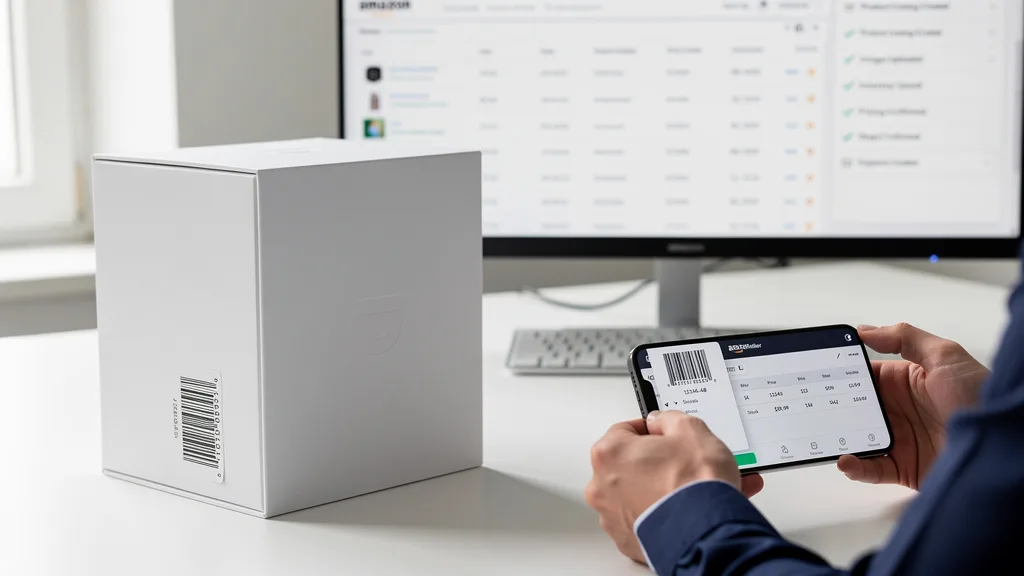
Enrolling is essential for several reasons. First, it provides powerful tools to find and report violations, giving you a direct line of communication with a specialized Amazon team. Second, it unlocks exclusive advertising and content features that are unavailable to non-registered sellers. These tools, such as A+ Content and Brand Stores, are critical for differentiating your products, telling your brand story, and ultimately increasing conversion rates. Without Amazon Brand Registry, your brand remains vulnerable and you miss out on key growth levers.
Key Benefits of Completing Your Brand Registry
Completing your brand registration is one of the highest-leverage activities you can undertake as an Amazon seller. The immediate benefit is robust brand protection. The program's automated protections and streamlined reporting process significantly reduce the time and stress spent dealing with counterfeit products, unauthorized sellers hijacking your listings, and incorrect product information being displayed on your detail pages.
"In 2026, enrolling in Amazon Brand Registry is non-negotiable for scaling. It's the difference between building a defensible asset and simply selling a product. The access to A+ Content, Brand Stores, and Sponsored Brands is what separates the 7-figure sellers from the 8-figure brands."
Beyond protection, the marketing advantages are immense. Registration unlocks a suite of exclusive tools that transform your product listings from simple pages into rich, branded experiences. These tools are designed to build customer trust and drive higher sales velocity. Key benefits include:
- A+ Content: Enhance your product descriptions with detailed images, comparison charts, and brand story modules to increase conversion rates.
- Amazon Storefronts: Create a custom multi-page store on Amazon to showcase your entire product catalog and tell your brand's story.
- Sponsored Brands: Run powerful top-of-search ad campaigns that feature your brand logo, a custom headline, and multiple products.
- Brand Analytics: Access valuable data on customer search behavior, demographics, and competitor performance to make informed strategic decisions.
- Vine Program: Enroll your products in Amazon's early reviewer program to generate trusted reviews for new launches.
Pre-Enrollment Checklist: What You Need for Approval
Before you begin the enrollment process, gathering the necessary documents and information will ensure a smooth and successful application. Amazon has strict requirements to verify that you are the legitimate owner of the brand you wish to enroll. Failing to prepare these items is the most common reason for application delays or rejections. Think of this as laying the foundation for your brand's fortress on Amazon.

Carefully review each requirement and ensure your documentation is accurate and matches across all platforms, from your trademark registration to your Seller Central account details. Any discrepancies can flag your application for manual review, adding weeks to the process. Proper preparation is key to a swift Amazon Brand Approval.
An Active Registered Trademark
The cornerstone of your Brand Registry application is an active, registered trademark. This cannot be a common law trademark; it must be officially registered with a government trademark office in one of the countries where Amazon accepts enrollment, such as the USPTO in the United States or the EUIPO in Europe. The trademark can be a text mark (word mark) or an image-based mark (design mark). increasing conversion rates.
Amazon maintains a list of accepted trademark offices on its Brand Registry website. Ensure your trademark's registration number is readily available. If you have a pending trademark, you may still be eligible in some countries if you used Amazon's IP Accelerator program, which connects you with trusted law firms that can expedite the process.
A Professional Amazon Seller Central Account
You must have a Professional Amazon Seller Central account in good standing to link with your Brand Registry account. The legal name and business information on your Seller Central account should align with the information on your trademark application to avoid any verification issues. A basic individual seller account is not sufficient for Brand Registry.
This requirement ensures that only established, professional sellers can access these powerful brand-building tools. Before applying, double-check that your account health metrics are strong and there are no outstanding policy violations that could jeopardize your application. Your Seller Central account is the operational hub that will connect to all the benefits of Brand Registry.
Brand Logos and Product Images
Amazon needs to see visual proof of your branding. You must provide images that clearly show your brand name, logo, or other identifying mark permanently affixed to your products or packaging. A sticker that can be easily removed is generally not acceptable. The branding should appear professional and integrated into the product or its packaging.
Take high-resolution photos of your products from multiple angles, ensuring the logo is legible. If your brand name is on the packaging, provide clear images of the packaging itself. These images serve as evidence that you are actively using the trademark in commerce, which is a critical part of the verification process.
Step 1: Sign Into the Brand Registry Portal
The first step is to navigate to the official Amazon Brand Registry website. Use your existing Professional Seller Central account credentials to sign in. It is crucial to use the same email and password associated with your seller account to ensure the two accounts can be linked correctly. If you try to create a new, separate account, you will encounter issues later in the process. Sponsored Brands.
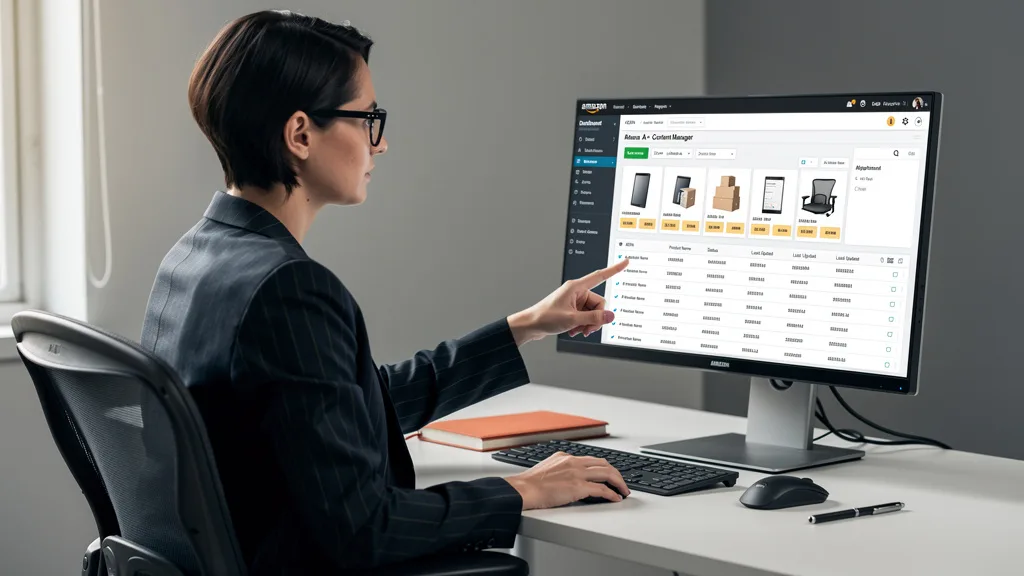
Once you access the portal, you will be guided through the enrollment process. The interface is straightforward, designed to walk you through each stage of the application. Take a moment to familiarize yourself with the layout before you begin entering your brand's information.
Step 2: Enroll Your Brand and Provide Key Information
After signing in, you will begin the enrollment by providing basic information about your brand. This includes the exact brand name as it appears on your trademark registration. Be meticulous here, as any misspelling or variation will cause your application to be rejected. You will also need to provide details about your business and contact information.
This is the initial data-entry phase where you formally introduce your brand to the registry system. The information you provide will be cross-referenced with your trademark and Seller Central account, so consistency is paramount. Below is a quick overview of the entire process you are starting.
| Step | Action Required | Key Detail |
|---|---|---|
| 1 | Sign Into the Portal | Use your Professional Seller Central credentials. |
| 2 | Enroll Your Brand | Enter brand name exactly as trademarked. |
| 3 | Submit Trademark Details | Provide registration number and trademark office. |
| 4 | Describe Product Categories | Select relevant categories like 'Apparel' or 'Electronics'. |
| 5 | Submit Application | Review all information for accuracy before submitting. |
| 6 | Complete Verification | Respond to the verification code sent to your trademark contact. |
| 7 | Access New Tools | Explore A+ Content, Brand Analytics, and protection features. |
Step 3: Submit Your Trademark Details
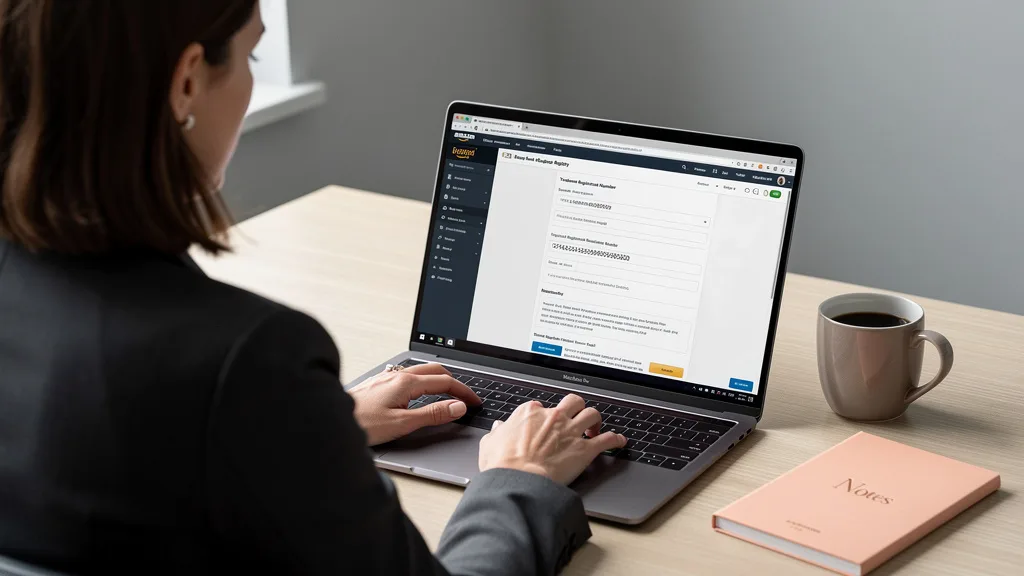
This is the most critical step of the application. You will be prompted to select the trademark office where your brand is registered (e.g., United States Patent and Trademark Office - USPTO). Then, you must enter the exact registration number associated with your trademark. Do not enter a serial or application number; it must be the final registration number.
You will also need to upload an image of your brand's logo if you have a design mark. If you have a word mark, you can simply proceed without an image. Double-check that the registration number is correct before moving on, as this is the primary piece of information Amazon uses for verification.
Step 4: Describe Your Product Categories
Next, Amazon will ask you to identify the product categories in which your brand sells or intends to sell. You can select from a predefined list, such as Electronics, Apparel, Grocery, or Home & Kitchen. Be as accurate as possible, as this information helps Amazon's systems monitor for potential infringements more effectively.
You are not permanently locked into these categories, but providing an accurate picture of your business helps the registry's automated tools work better for you from day one. If you sell in multiple categories, be sure to select all that apply to your brand's product line.
Step 5: Submit Your Application for Review
Before you hit the final submit button, take a moment to review all the information you have entered. Check for any typos in your brand name, trademark number, or contact details. Once you are confident that everything is accurate, submit your application. You will receive a confirmation that your application has been received and is under review.
The initial review is often automated, with Amazon's systems checking your trademark number against the database of the relevant government office. If everything matches, your application will proceed to the final verification stage. If there are discrepancies, it will be flagged for a manual review, which can take longer.
Step 6: Complete the Final Verification Process
This is the final hurdle. To confirm that you are the rightful owner of the trademark, Amazon will send a verification code to the official correspondent listed on the trademark registration. This is typically the attorney or law firm that filed the trademark on your behalf. It is essential that you have a way to contact this person or firm to retrieve the code.
Once you receive the code, you must log back into your case log within the Brand Registry portal and enter it to complete the verification. This step confirms that the trademark owner has authorized the Brand Registry enrollment. Without this code, your application cannot be approved. Sponsored Brands.
Step 7: Access Your New Brand Protection Tools
Congratulations! Once your verification is complete, your brand will be officially enrolled in Amazon Brand Registry. You will receive an email confirmation, and upon logging into the portal, you will see a new dashboard with a full suite of brand protection and growth tools. This is where the real work of leveraging your brand begins.
Take time to explore the features available. You can now create A+ Content for your ASINs, build out your Amazon Storefront, and access Brand Analytics. You also have access to the 'Report a Violation' tool, which is a powerful way to manage your intellectual property. Proper use of these tools is a key component of scaling your brand, and an Amazon PPC audit can help you integrate your new advertising capabilities effectively.
Key Takeaways
Navigating the Amazon Brand Registry process is a critical milestone for any serious seller. By preparing your documents and following the steps carefully, you can protect your brand and unlock powerful tools for growth. Here are the most important takeaways from this guide:
- A Registered Trademark is Non-Negotiable: You must have an active, registered trademark from an approved government office before you can even begin the application.
- Accuracy is Paramount: All information, especially your brand name and trademark number, must be entered exactly as it appears on your official registration to avoid rejection.
- Verification is the Final Step: Be prepared to contact your trademark attorney or correspondent to retrieve the verification code Amazon sends them. This is a common bottleneck for many sellers.
- Registry Unlocks Growth Tools: The primary benefits extend far beyond protection. Leveraging A+ Content, Brand Stores, and Sponsored Brands is essential for scaling from 7 to 8 figures. A comprehensive Amazon brand audit can help you strategize the use of these new tools.
Frequently Asked Questions
Navigating the requirements for brand registration can bring up many questions. Here are answers to some of the most common queries we receive from sellers looking to protect and grow their brands on Amazon.
How do you check for already registered brands on Amazon?
There isn't a public database to search for all brands enrolled in Amazon's Brand Registry. However, you can perform a search on the Amazon marketplace itself. Brands that are registered often have A+ Content on their listings or a dedicated Brand Store, which are clear indicators of their status. You can click on the brand name link near the product title to see if it leads to a Storefront.
Additionally, before you even apply for a trademark, you should search the database of your country's trademark office (like the USPTO's TESS database) to see if the brand name is already taken. This is a crucial due diligence step to avoid legal conflicts and ensure your own trademark application is successful. Vine Program.
How long does the Amazon Brand Registry approval process take?
The timeline for approval can vary. If you have all your information prepared correctly and your trademark is easily verifiable, the process can be as quick as 24-48 hours after submitting the verification code. However, a more typical timeframe is between 10 to 14 days from the initial application submission.
Delays are most often caused by incorrect information, discrepancies between your Seller Central account and trademark data, or delays in retrieving the verification code from your trademark correspondent. To expedite the process, ensure all your documentation is in order before you start.
Can you use a pending trademark for Brand Registry?
Generally, Amazon requires a fully registered trademark. However, there is an important exception. If you have a pending trademark application that was filed through a law firm participating in Amazon's IP Accelerator program, you can gain access to Brand Registry's benefits while your trademark is still pending.
This program is designed to give new brands faster access to protection and brand-building tools. The IP Accelerator connects you with a curated network of trusted IP law firms that can file your trademark application and help you get enrolled in Brand Registry more quickly. This is available in select countries, including the U.S.
What is the cost to enroll in Amazon Brand Registry?
Enrolling in the Amazon Brand Registry program itself is completely free. Amazon does not charge any fees for you to submit your application or use the tools provided by the program. This includes access to A+ Content, Brand Analytics, and the Report a Violation tool.
However, there are associated costs. The main cost is obtaining the registered trademark, which is a prerequisite. This involves paying government filing fees and, typically, fees for a trademark attorney to handle the process correctly. These costs can range from several hundred to a few thousand dollars, depending on the country and complexity of the filing.
Can I make $1000 a month selling on Amazon?
Yes, making $1000 a month in profit is an achievable goal for many sellers, but it requires a strategic approach. It's not as simple as listing a product and waiting for sales. Success depends on factors like product selection, sourcing, pricing strategy, and effective marketing. Building a real brand is key to sustainable profitability.
Enrolling in Brand Registry is a significant step toward this goal, as it allows you to differentiate your product with A+ Content and build a loyal customer base through a Brand Store. It moves you from being a simple reseller to a brand owner, which is where long-term, scalable profit is found. For sellers in specific regions, understanding local logistics is also key, as covered in our Amazon FBA Pakistan guide.
Conclusion
Successfully completing the Amazon Brand Registry checklist is a foundational step in transforming your Amazon business from a simple selling operation into a protected, scalable brand. By following these seven steps, you secure your intellectual property against counterfeiters and unlock the essential marketing tools needed to build a strong brand presence, enhance customer trust, and drive conversions. This process is your gateway to moving from a 7-figure seller to an 8-figure brand powerhouse in 2026.
If you've secured your brand but are unsure how to leverage your new tools for maximum profit, our team can help. We specialize in optimizing listings and managing PPC to scale established brands. To see how your brand stacks up and identify your biggest growth opportunities, we invite you to request a Free Audit.