
Table of Contents 9 sections
One of the hardest calls before an Amazon launch is deciding which buyer complaints are worth spending money to fix. Use LinkedIn to find people who buy or use the product, ask about their last purchase, and check the patterns you hear against Amazon reviews and search data.
If you’re deciding how to use LinkedIn for Amazon product launch research, start with a problem buyers describe in their own words. Interview people who recently chose, used, or approved a competing product. Then check whether Amazon shoppers search for that use case, buy products that serve it, and report the same problems after purchase.
LinkedIn Research Goals for an Amazon Launch
Set three goals for your research: identify the buyer, understand what triggers a purchase, and learn which trade-offs shape the decision. For a storage product, a facilities manager might order replacements while a crew supervisor judges whether the bins hold up. Each role can explain a different part of the purchase.
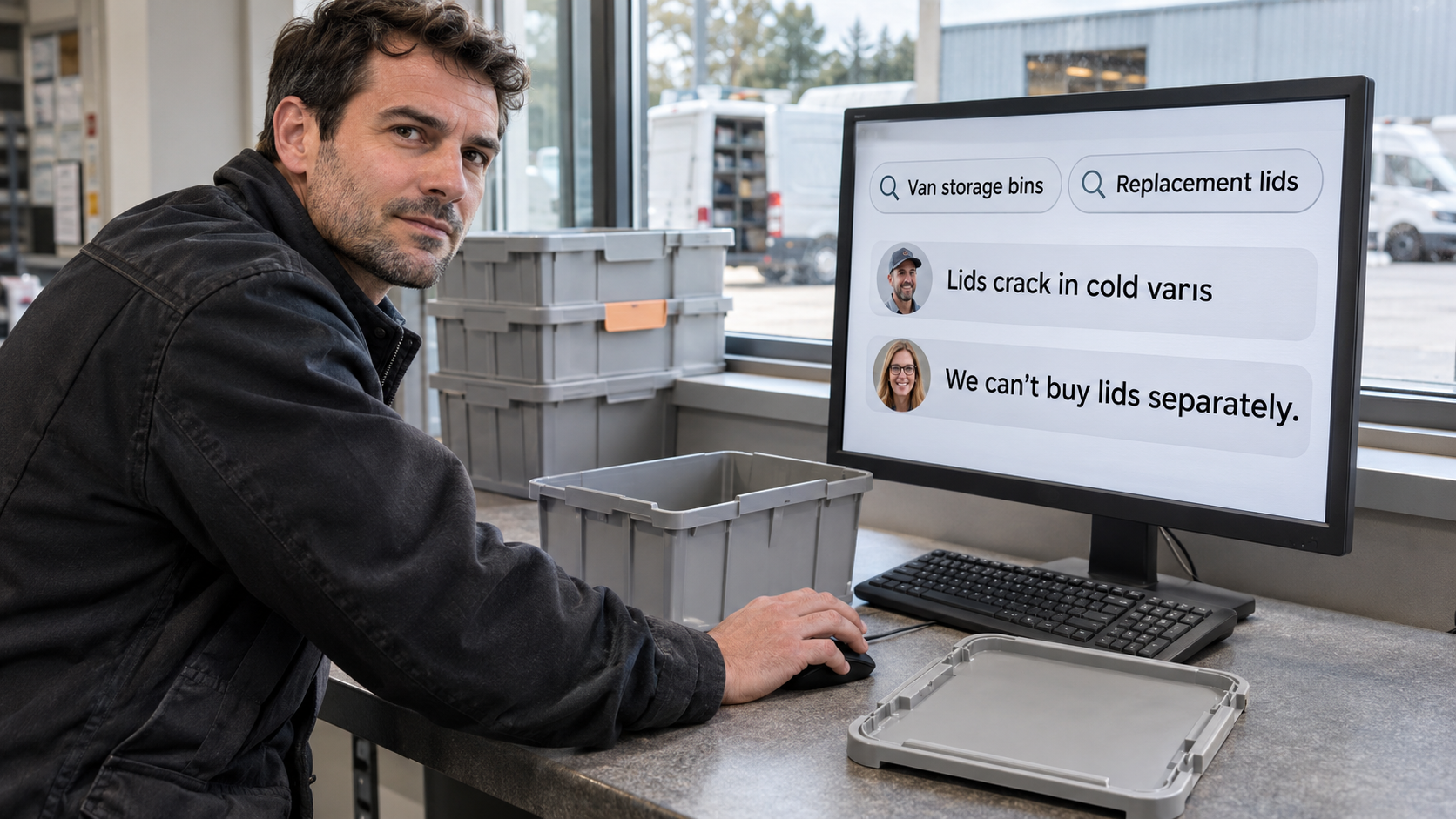
Pick a decision your team has to make before committing to inventory. It might be a pack size, a price point, or a compatibility feature that adds to your unit cost. Record your current preference and what would change it.
Assumptions About Your Target Buyer
Write down who uses the product, who selects it, and who pays for it. In a small business, one person may play all three roles. A larger account might require a supervisor to recommend the product and a purchasing manager to approve the order.
Start with your intended Amazon marketplace because sourcing habits can vary by country. Write a testable assumption, such as “UK workshop managers reorder these bins when they add another Van.” Follow up by asking when they last ordered and what prompted it.
Evidence That Would Change Your Launch Plan
Favor specific examples of purchases, returns, and recurring workarounds when deciding whether to change course. If several buyers say they want a larger pack, ask how many units they bought last time. A consistent gap between stated preference and purchase history matters when you set the pack quantity.
Record the purchase role, problem, source, and implication for each observation. Tag repeated comments from the same person so one active contributor doesn’t inflate the pattern. Use the table to turn each signal into a decision you can test.
| LinkedIn signal | Amazon cross-check | Launch decision |
|---|---|---|
| Buyers replace mounts that loosen under regular use | Look for reviews about loose mounts and replacement purchases | Test a stronger mount and price the upgrade |
| Teams ask whether accessories fit existing equipment | Check recurring questions about models and dimensions | Verify compatibility and show it in a listing image |
| Purchasers order the same quantity for every installation | Compare pack sizes and review mentions of leftovers | Choose a pack size that fits a typical job |
Where to Find Relevant LinkedIn Conversations
Look for LinkedIn conversations where buyers describe a task, a failed purchase, or a workaround. Start with posts and comments, then check relevant groups and profiles to see who is speaking. The account behind the comment matters when you’re trying to understand how a purchase happens.

Search across the industries that use the product and track which roles keep coming up. If your network is mostly other sellers, use these LinkedIn features for sellers to plan your discovery workflow. Keep seller advice separate in your notes so you can see which findings came directly from buyers.
Search Terms for Buyer Problems
Search for the task and the failure buyers describe, alongside your broad product term. For a stackable storage bin, try phrases like “bins slide in van,” “organizing service parts,” or “replacement bin lids.” Pair the problem with a job role or industry when results are too broad.
Save the phrases that lead to concrete discussions. Someone describing a lid that pops off during transport gives you a failure to investigate. Capture the wording and the situation so your interview questions reflect how the issue actually comes up.
Posts and Comments From Target Buyers
Prioritize comments that describe firsthand use and mention a specific outcome. A technician explaining which parts spilled during a route gives you a scenario you can investigate. Open the full thread to check whether later replies clarify what happened.
Note the commenter’s role and any context that helps explain the problem. Check whether other buyers in separate threads describe the same issue. That gives you a better basis for recruiting interviewees than selecting the people whose comments received the most reactions.
Discussions in Relevant Industry Groups
Use industry groups to find discussions about equipment choices, maintenance, and purchasing routines. Search a group’s recent threads before starting your own. An existing conversation may already show how members describe a problem and what they’ve tried.
Read the group rules before recruiting interviewees or sharing a product concept. If you need marketplace context from peers, use these LinkedIn groups for sellers to find relevant discussions. For product feedback, spend your interview time with people who buy or use the category.
Competitor Research on LinkedIn
Use competing brands’ launch posts to map the promises buyers already hear. Capture which role each post addresses, the outcome it claims, and the proof it shows. A claim about stack strength carries more detail when a demo includes the load and test conditions.

Build a short list of comparable products for each use case you’re considering. A professional installer and a home organizer may buy bins at similar prices and judge them by different criteria. Compare the closest offers for each use case before deciding where your product can stand out.
Product Positioning in Launch Posts
Identify the main reason each competitor gives buyers to switch. One brand may emphasize faster setup, while another shows how its product fits equipment the buyer already owns. Write down the lead promise and the feature or demonstration that supports it.
Look for a visible way to prove your own product positioning. If the advantage is tool-free installation, try a short demo that shows the complete setup on compatible equipment. Use what you learn to decide whether the benefit will be clear on an Amazon product page.
Buyer Objections in Comment Threads
Turn buyer objections into questions you can answer before launch. Sort them by price, fit, durability, or availability so you can see whether each concern needs a product change or clearer information. A sizing question may point to missing dimensions, while a reported fit failure calls for checking the hardware.
Look for follow-up details that explain why a buyer hesitated. An order that stalled because the product wouldn’t fit a vehicle bracket gives you a more precise hypothesis than a general comment about compatibility. Ask interviewees what they check before ordering and what happens when a product doesn’t fit.
Customer Interviews Through LinkedIn Outreach
Use short customer interviews to learn how people made a real purchase decision. In your invitation, mention the discussion that prompted your message, explain why their experience is relevant, and ask for 15 minutes. Give people the option to reply in writing.

Start with five to eight conversations across the roles that matter for your product. Treat that first round as a way to find and refine patterns. Keep recruiting if an important role is missing or people give different accounts of the same decision.
Participant Selection by Purchase Role
Recruit end users to explain performance in use and purchasers to explain sourcing, price, and approval. Where a supervisor recommends the product, include that role too. If you interview two people about the same order, record it as one purchase with two perspectives.
Include someone who recently switched brands and someone who stuck with their supplier. Ask each what would make a supplier change worthwhile and who would approve it. Their answers can tell you whether to emphasize easier trial, compatibility, or a pack size that fits existing orders.
Interview Questions About Recent Purchases
Start with “Tell me about the last time you ordered this product.” Ask what triggered the purchase, which alternatives they evaluated, who signed off, and where they placed the order. Follow up on what surprised them once the product arrived.
When people describe a workaround, ask how often they use it and what it costs them in time or materials. Explore which product they would have chosen if their usual option were unavailable. That gives you a realistic alternative to compare with your proposed price and features.
Product Demand Validation on Amazon
Validate demand on Amazon by checking whether relevant searches lead to products that serve the same job buyers described on LinkedIn. Start with your intended marketplace and inspect the results for each phrase. If the returned products serve a different use case, refine the search before interpreting any demand figures.
Use Amazon Product Opportunity Explorer, where available, to review niche data. Amazon explains the types of insights you can assess in its Product Opportunity Explorer overview. Compare what you find with actual listings, their pack sizes, and the complaints buyers report.
Recurring Complaints in Customer Reviews
Read recent reviews across comparable products and group complaints by the underlying failure. Separate broken parts from missing parts because each requires a different fix. Check which variation customers purchased whenever the review identifies it.
Compare each complaint with the conditions buyers described in interviews. Lids opening in moving vans may matter more for fleet buyers than complaints about color consistency. Record how many listings you checked, how often the complaint appeared, and which product or packaging change could address it.
Search Demand for Product Terms
Check both broad product terms and specific phrases that describe the job, feature, or compatible equipment. Inspect the listings returned for each term and note whether their pricing and pack sizes resemble your offer. Review a longer period when seasonal demand could affect your reading.
Use estimated volume to compare relevant phrases, then check the economics of gaining visibility for them. This comparison of Amazon niche research tools can help you choose a supplementary tool. Model your contribution margin after landed costs, marketplace fees, expected returns, and advertising before setting your opening order.
Launch Decisions From Customer Insights
Turn your strongest findings into decisions about product specs, listing content, and launch spend. Give each finding a corresponding action, such as testing a revised lid or adding a size diagram. Estimate the cost of each action and the buyer problem it addresses.
Decide what you need to verify before committing more inventory. If costly returns would undermine your margin, use the first order to monitor return reasons tied to the change you made. Set a review point before you place a larger reorder.
Feature Priorities Based on Buyer Needs
Prioritize features that address frequent, consequential problems and fit your margin. If buyers repeatedly lose small parts in transit, test the closure with the product loaded and moving. Compare the upgraded design’s landed cost with the price you can realistically charge.
Keep optional upgrades on a shortlist for later orders. Define a test for every feature you approve, including the use conditions and the result you need from a production sample. Carry that test into inspection so the shipped product matches what you plan to advertise.
Listing Copy in the Buyer's Language
Use Amazon listing optimization to turn recurring buyer questions into searchable terms and facts shoppers can verify. If buyers ask whether the bin fits shallow van shelves, give the external dimensions and show where the measurements start. Put the most important fit information where shoppers can scan it quickly.
Use accurate terms in bullets and images to help shoppers choose the right variation. Keep your Amazon PPC themes aligned with the use cases your listing can demonstrate. These Amazon listing optimization tools can help you review how your draft covers the product terms and attributes buyers use.
Key Takeaways
LinkedIn helps you understand how buyers make a choice, and Amazon helps you assess whether that choice supports a viable offer. Give more weight to repeated purchase stories that match what shoppers report on Amazon. Keep the original wording when it makes your listing more specific.
Use one shared worksheet so your sourcing, listing, and PPC decisions trace back to the same evidence. Add a row when both sources reveal a relevant signal. Assign each row a concrete follow-up before approving the purchase order.
“How to Use LinkedIn for Amazon Product Launch Research” is ultimately a question about evidence. Give each proposed change a buyer story, an Amazon cross-check, and a cost.
- Identify who uses, selects, and pays for the product.
- Ask each participant to walk through a recent purchase.
- Compare interview findings with relevant Amazon listings, searches, and reviews.
- Verify your product claims and model margin before setting the order size.
Frequently Asked Questions
LinkedIn tends to be most useful when you can identify your buyers by role or industry. That makes it easier to find people who can explain how a purchase actually happened. Check whether those people also buy through the Amazon marketplace you plan to serve.
Estimate research time, selling costs, and advertising spend separately. Each expense answers a different business question. A small research round can help you decide where additional spending would resolve the most uncertainty.
Is LinkedIn best for B2B marketing?
LinkedIn is a strong choice for B2B marketing when customers are identifiable by role, industry, or employer. You can reach the people who evaluate or approve purchases. That makes it especially useful for specialized products.
Amazon can be a better place to reach buyers who already know what they need. Judge each channel by the outcome you want to measure. Track qualified conversations on LinkedIn and conversion on Amazon.
How do you launch a product on Amazon?
Confirm category requirements, approve a production sample, and calculate margin at your intended price. Create the listing, choose your fulfillment method, and check when inventory will be available. Follow Amazon’s guide to selling on Amazon for setup.
Start with a campaign budget tied to your margin. Check conversion, ad spend, and return reasons after orders start coming in. Use those results to plan the next inventory order.
How much does it cost to market on LinkedIn?
You can post and conduct manual outreach without an ad budget. The main investment is staff time. Paid tools and advertising add costs that vary with the plan, audience, and campaign.
If you test ads, set a total budget and define a qualified response before spending. Work backward from the value of that response to set your target cost. For interviews alone, start with direct outreach.
Conclusion
Use LinkedIn to understand the purchase, then use Amazon to check whether enough shoppers face the same problem and whether you can serve them profitably. This week, pick one feature or pack-size decision, ask three buyers about their last order, and compare their answers with reviews of competing listings. Use the results to decide what to test on your next sample before committing to inventory.
If you run an Amazon FBA brand and want a second opinion on how your listing presents the product, request a review of your product page. I’ll look at how clearly it communicates the offer and where shoppers may need more information before buying. Share the listing you want reviewed through the Free Audit.