Are your Amazon product images stopping shoppers in their tracks or causing them to scroll right past? In the crowded Amazon marketplace, your photos are your most powerful sales tool, acting as the digital equivalent of picking up a product in a physical store. Mastering your visual presentation is non-negotiable for scaling your brand from seven to eight figures.
High-quality Amazon product photography is the process of creating a suite of images that meet Amazon's technical requirements and emotionally connect with buyers to drive conversions. This involves a hero image on a pure white background, followed by lifestyle photos, infographics, and detail shots that showcase your product's features, benefits, and use cases. For 2026, compelling visuals are critical for standing out and maximizing your sales potential.
Understanding Amazon's Image Requirements for 2026
To sell on Amazon, your images must first comply with the platform's strict guidelines. These rules are in place to ensure a consistent and high-quality experience for customers. Failing to meet these standards can lead to your listing being suppressed, meaning it won't be visible to shoppers. As of 2026, Amazon continues to prioritize clear, high-resolution imagery that helps customers make informed buying decisions.
Think of these requirements not as limitations, but as the foundation for a successful listing. Adhering to the technical specifications is the first step. From there, you can build a creative and compelling visual narrative that speaks directly to your target audience and highlights what makes your product superior to the competition.
Technical Specifications: File Size, Format, and Dimensions
Amazon has precise technical rules for all product images. Your files must be in TIFF (.tif/.tiff), JPEG (.jpeg/.jpg), GIF (.gif), or PNG (.png) format. JPEG is the most common and recommended format for its balance of quality and file size. The file size should not exceed 10MB, though it's best to keep them optimized for the web to ensure fast loading times.
For dimensions, images must be at least 1000 pixels on the longest side to enable the zoom function, a feature shoppers heavily rely on. For optimal quality, we recommend uploading images that are at least 1600 pixels on the longest side. The color mode must be sRGB or CMYK, with sRGB being the standard for web and thus the safer choice for consistent color representation across devices.
Main Image vs. Secondary Images: Key Differences
Your main image, or hero image, is the most important photo. It's the first visual a customer sees in search results and on the product detail page. It must have a pure white background (RGB 255, 255, 255) and show only the product you are selling, with no additional props, text, or graphics. The product should fill at least 85% of the image frame.
Secondary images are where you have more creative freedom. Here, you can show your product from different angles, highlight specific features, demonstrate its use in a lifestyle setting, or use infographics to convey key information. These supporting images build trust and help answer customer questions visually. A complete set of images is a core part of any effective Amazon listing optimization strategy.
How to Create a Pure White Background for Your Main Image
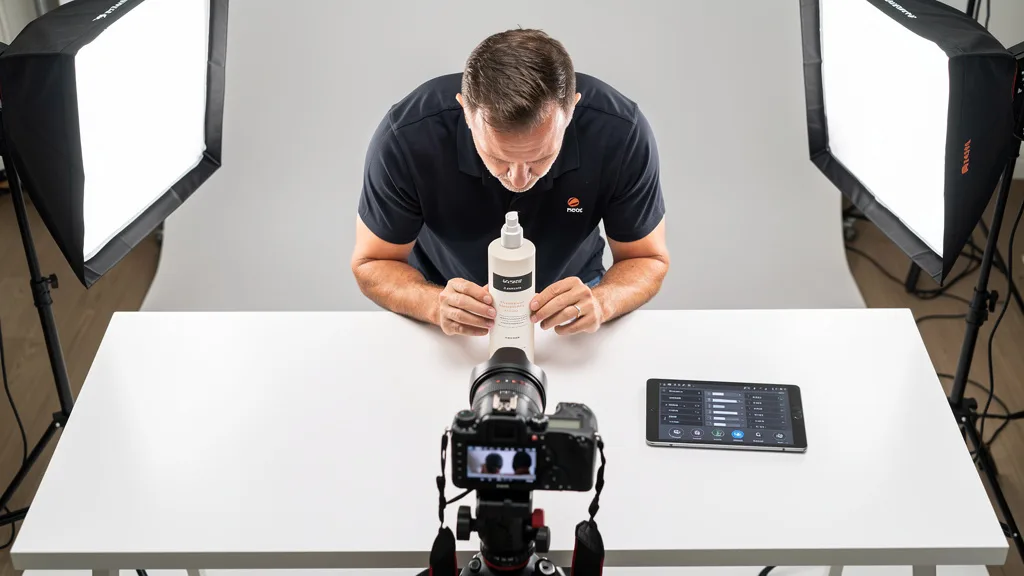
Achieving a pure white background (RGB 255, 255, 255) is crucial for your main image and can be done in two stages: during the shoot and in post-production. During the shoot, use a white seamless paper background or a light box. Use ample, diffused lighting to illuminate the background evenly and eliminate shadows. This will get you close, but rarely to a perfect white.
The final step is in post-production. Using software like Adobe Photoshop or even free tools like Canva's background remover, you can isolate your product and place it on a new layer filled with pure white. Use the selection tools (like the Pen Tool or Object Selection Tool) to create a precise cutout of your product. This ensures you meet Amazon's requirements and give your product a clean, professional look.
Essential Gear for Your DIY Product Photography Setup
You don't need a Hollywood-sized budget to create professional-looking product photos. With a modest investment in some key pieces of equipment, you can build a DIY setup that produces stunning, high-converting images. The goal is to control the environment, particularly the lighting, to present your product in the best possible way.
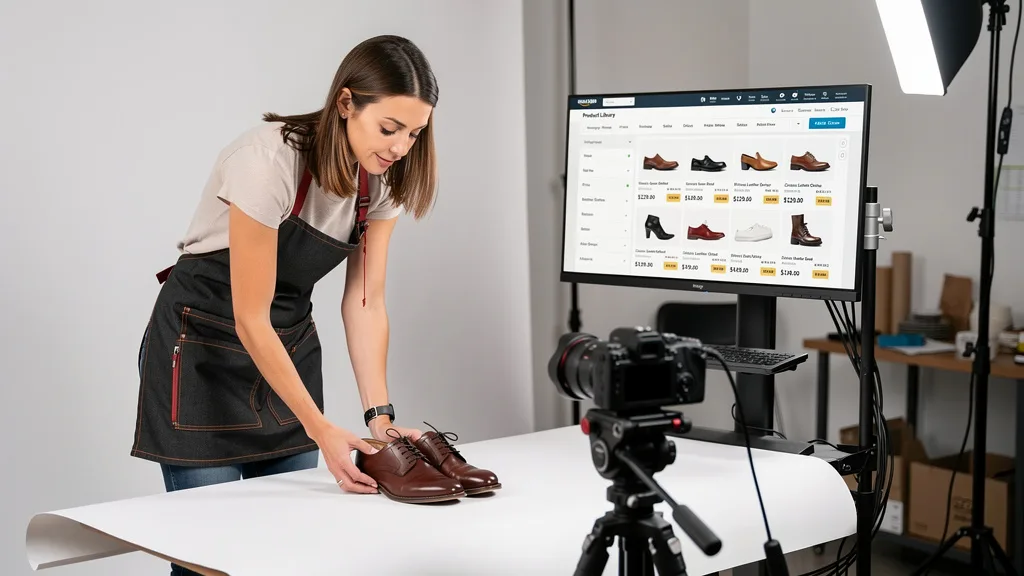
Your core setup will consist of a camera, a stable tripod, a lighting kit, and a background. Each component plays a vital role in the final quality of your images. Investing wisely in these items will pay dividends by increasing your click-through rates and conversion rates on your Amazon listings.
Choosing the Right Camera: DSLR, Mirrorless, and Smartphones
The camera you choose depends on your budget and desired level of control. DSLR and mirrorless cameras offer the highest quality and manual controls, allowing you to adjust settings like aperture, ISO, and shutter speed for perfect shots. Brands like Canon, Sony, and Nikon are industry standards. A 50mm lens is a versatile and affordable choice for product photography.
However, modern smartphones are incredibly capable. The latest models from Apple, Google, and Samsung can capture high-resolution images that are more than suitable for Amazon. When using a smartphone, the key is to pair it with excellent lighting and a tripod to ensure sharpness and consistency. You can find many authoritative reviews on sites like DPReview to compare the latest models.
Best Product Photography Lighting Kits for Beginners
Lighting is arguably more important than your camera. Good lighting separates amateur photos from professional ones. For beginners, a continuous lighting kit with two softboxes is an excellent starting point. Softboxes create soft, diffused light that minimizes harsh shadows and highlights the details of your product.
A typical three-point lighting setup involves a key light (main light), a fill light (to fill in shadows), and a back light (to separate the product from the background). Position your two softboxes at 45-degree angles to the product to start. Experiment with the placement and power of your lights to see what works best for your specific item.
Backgrounds and Props to Enhance Your Photos
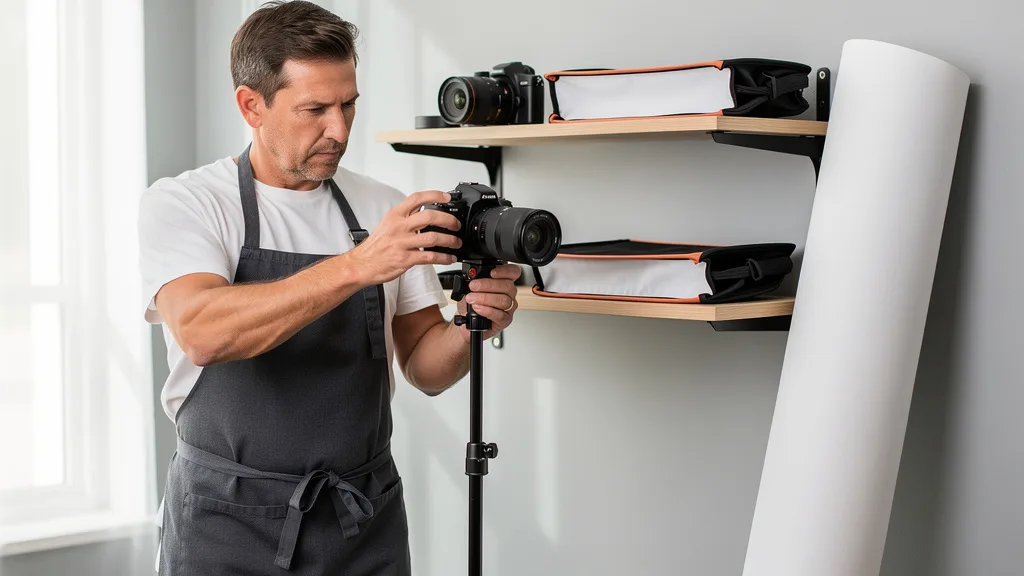
For your main image, a simple white background is required. A roll of white seamless paper is a great investment as you can simply roll out a fresh section if it gets dirty. For your secondary images, you can get more creative. Consider using backgrounds that align with your brand aesthetic, such as wood surfaces, marble tiles, or colored paper.
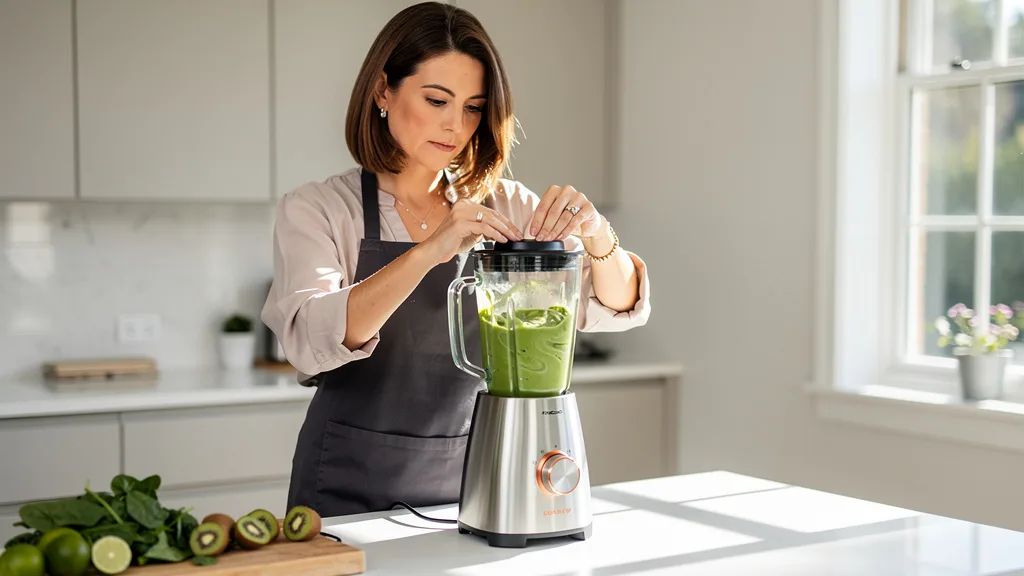
Props should be used thoughtfully in lifestyle and secondary images to add context and tell a story. If you sell a kitchen gadget, show it with fresh ingredients. If you sell a skincare product, perhaps include a clean white towel or a few drops of water. The key is that props should enhance the product, not distract from it.
A Step-by-Step Guide to Shooting Your Products
With your gear ready, it's time to start shooting. A methodical, step-by-step approach will ensure you capture all the necessary shots efficiently and maintain consistency across your images. This process turns photography from a creative-only task into a repeatable system for your business.
This guide will walk you through the four key stages of a product photoshoot: preparation, setup, capture, and shooting your supplementary images. Following these steps will help you create a comprehensive set of photos that answers customer questions and drives sales.
Step 1: Prepare Your Product for the Photoshoot
Your product must look perfect. Before you even think about picking up the camera, thoroughly clean and inspect your item. Remove any dust, fingerprints, smudges, or scratches. If it's a garment, make sure it's ironed or steamed to remove all wrinkles. Check for any manufacturing defects and use your best-looking unit for the shoot. This attention to detail will save you significant time in post-production.
Remove all unnecessary tags, stickers, or packaging unless the packaging itself is a key feature you want to showcase. Assemble the product if needed and ensure it is in its final, customer-ready state. The goal is to present an idealized version of your product that meets customer expectations.
Step 2: Arrange Your Lighting and Composition
Set up your product on your chosen background. Mount your camera on a tripod to ensure your images are sharp and your framing is consistent. A tripod also frees up your hands to adjust the product and lighting. Set your camera to a low ISO (e.g., 100 or 200) to minimize grain and a mid-range aperture (e.g., f/8 or f/11) to keep the entire product in sharp focus.
Arrange your lights to create a pleasing, even illumination. Start with the two-softbox setup at 45-degree angles. Take a few test shots and adjust the light positions and power until you eliminate harsh shadows and the product's shape and texture are clearly defined. Use your camera's live view mode on a tethered computer or tablet if possible, as this makes it much easier to fine-tune your composition.
Step 3: Capture Multiple Angles and Use Cases
Once your setup is dialed in, it's time to capture a variety of shots. Don't just take one photo. Shoot your product from multiple angles: front, back, sides, 45-degree angle, top-down, and any other perspective that reveals important information. Take close-up shots, often called detail or macro shots, to highlight key features, textures, materials, or branding elements.
Think about the questions a customer might have and try to answer them with your photos. If your product has a unique closure, a special port, or intricate stitching, capture it in a close-up. The more visual information you provide, the more confident a customer will be in their purchase decision.
Step 4: Shoot Lifestyle and Infographic Images
Lifestyle images are crucial for helping customers visualize the product in their own lives. These photos show your product in use, in a relevant environment, or next to other objects to indicate its scale. If you sell a yoga mat, show someone using it in a bright, serene space. If you sell a coffee mug, show it filled with coffee on a breakfast table.
Infographic images combine photography with text and graphics to call out key benefits and features. Shoot your product on a clean, neutral background so it's easy to cut out later. Then, in an editing program, you can add text overlays that point to specific features and explain their benefits. These are incredibly effective for communicating value quickly and are a key part of how to create how to take Amazon product photos that convert shoppers.
Editing Your Photos for Maximum Impact
Shooting is only half the battle. Post-production editing is where you transform good photos into great, high-converting assets. The editing process allows you to correct minor imperfections, ensure color accuracy, and optimize your images for the Amazon platform. Every professional product photo you see has been edited.
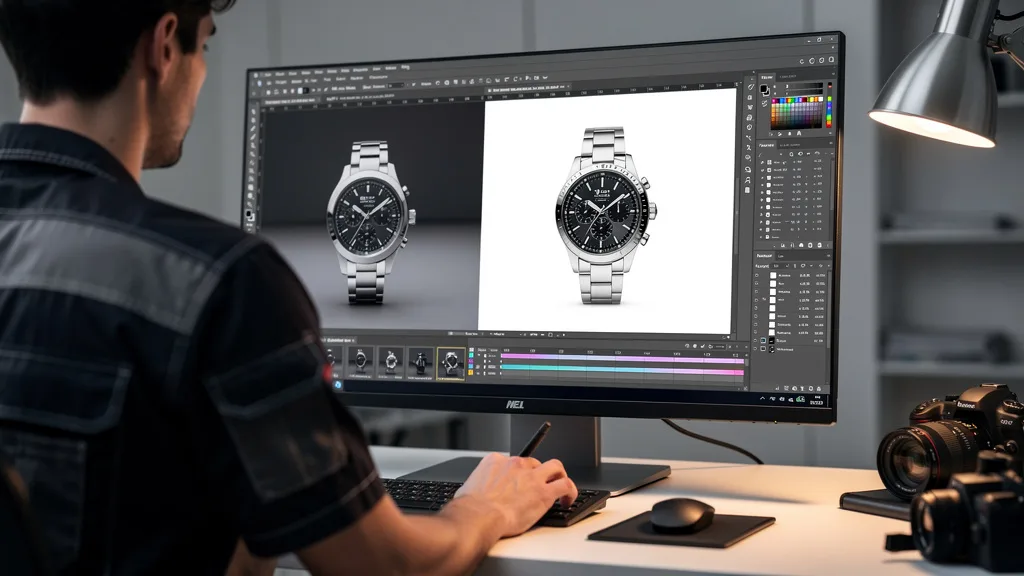
The goal of editing is not to misrepresent your product, but to enhance it so it looks as good on screen as it does in person. Simple adjustments to brightness, contrast, and color can make a world of difference. This is also the stage where you'll create your infographics and ensure your main image has that perfect white background.
Top Editing Software Tools for Product Images
There is a wide range of software available for editing your product photos, catering to different skill levels and budgets. For professional-grade results and maximum control, the industry standard is Adobe Photoshop. It offers powerful tools for retouching, color correction, and creating complex infographics. Adobe Lightroom is also excellent for batch editing and color adjustments.
For those on a tighter budget or with less technical expertise, Canva is a surprisingly powerful option. It includes a user-friendly background remover tool, pre-made templates for infographics, and simple sliders for adjusting your images. Free software like GIMP offers a no-cost alternative to Photoshop, though it has a steeper learning curve. For more information on professional tools, you can visit the official Adobe Photoshop page.
Retouching, Color Correction, and Cropping Essentials
The first step in retouching is to zoom in and remove any dust, scratches, or minor blemishes using a spot healing brush or clone stamp tool. This ensures your product looks pristine. Next, focus on color correction. Your goal is to make the product's color on screen match its real-life color as closely as possible. Use the white balance tool and adjust saturation and vibrance carefully.
Finally, crop your images to a square aspect ratio (1:1), as this displays best on Amazon's search and product pages. Ensure your main image is cropped so the product fills at least 85% of the frame. For all images, adjust brightness and contrast to make them pop without looking unnatural. Well-edited photos complement well-written text, like the kind you'd craft when learning how to write Amazon bullet points that convert.
DIY Photography vs. Hiring a Professional Service
As a growing brand, you'll inevitably face the decision: should you continue to shoot your own product photos or outsource to a professional? Both options have distinct advantages and disadvantages. The right choice depends on your budget, timeline, skill level, and the overall value you place on your time.
Making this decision requires a clear-eyed assessment of your resources and goals. A DIY approach can be empowering and cost-effective initially, but hiring a professional can be a strategic investment that frees you up to focus on other critical areas of your business, like supply chain management or marketing.
"For 7-figure sellers aiming for 8 figures, time is their most valuable asset. While DIY photography offers control, a professional service delivers expert quality and speed, allowing you to focus on scaling the business. Investing in professional-grade images isn't a cost; it's a direct investment in your conversion rate and brand equity."
| Feature | DIY Photography | Professional Service |
|---|---|---|
| Cost | Lower initial outlay (cost of gear) | Higher per-image or per-project cost |
| Control | Full creative control over every shot | Requires a clear brief; less hands-on control |
| Time Investment | Significant time required for setup, shooting, and editing | Minimal time investment; frees you to focus on business growth |
| Quality & Expertise | Quality depends on your skill and gear | Guaranteed professional quality and consistency |
| Speed & Flexibility | Flexible for quick shoots of new products | Faster turnaround for large volumes; less flexible for one-offs |
The Case for DIY: Cost, Control, and Flexibility
The most significant advantage of doing your own photography is cost. After the initial investment in gear, the cost per photo is effectively zero. This is particularly beneficial for brands with a large, constantly changing catalog of products or those on a tight budget. You also retain complete creative control, allowing you to experiment and ensure the images perfectly match your brand vision.
Flexibility is another key benefit. If you launch a new product or need a specific image for a marketing campaign, you can shoot it immediately without having to book a photographer and wait for the results. This agility can be a competitive advantage in the fast-paced world of e-commerce.
When to Hire a Professional: Expertise and Time Savings
There comes a point where your time is better spent on strategy than behind a camera. Hiring a professional is a strategic move when you want to guarantee top-tier, consistent quality across your entire product line. Professionals have the high-end equipment, lighting expertise, and editing skills to create images that a DIY setup often cannot replicate.
The time savings are immense. A professional can shoot and edit dozens of products in the time it might take you to do just a few. This frees you up to work on scaling your business. If you're looking at your Amazon listing optimization cost, factoring in professional photography is a smart investment that often provides a clear ROI through increased conversions.
Common Mistakes Sellers Make with Product Images
Even with the best intentions, many sellers make critical mistakes with their product photography that hurt their sales. Avoiding these common pitfalls can give you an immediate edge over your competitors. The most frequent errors often stem from a misunderstanding of Amazon's rules or a failure to see the images from the customer's perspective.
Reviewing your own listings for these mistakes is a valuable exercise. Are your images truly helping the customer or are they creating friction and uncertainty? A small adjustment based on this list could have a significant impact on your conversion rate.
- Low-Resolution Images: Uploading images that are too small disables the zoom feature and makes your product look unprofessional. Always use high-resolution files.
- Violating Main Image Rules: Using a non-white background, adding text, or including props in the main image can get your listing suppressed.
- Inconsistent Lighting: Having photos with different lighting, color temperatures, and shadows makes your brand look amateurish. Consistency is key.
- Not Showing Scale: Customers can't tell how big or small your product is in a vacuum. Use a lifestyle shot or a prop of a known size to provide context.
- Too Few Images: Using only one or two photos leaves customer questions unanswered. Maximize your image slots to provide as much visual information as possible.
- Over-Editing or Misrepresentation: Enhancing your photos is good, but changing the product's color or hiding flaws is deceptive and will lead to negative reviews and returns.
Key Takeaways
Mastering Amazon product photography is a high-leverage skill for any brand owner. Your images are your digital storefront, and investing in them directly impacts your traffic, conversion rates, and profitability. By understanding the technical requirements and creative best practices, you can create a visual experience that captivates shoppers and builds trust in your brand.
Here are the essential takeaways for creating product photos that convert:
- Follow the Rules: Adhere strictly to Amazon's technical specifications, especially the pure white background rule for the main image, to avoid listing suppression.
- Invest in Lighting: Good lighting is more important than an expensive camera. A simple softbox kit can dramatically improve your image quality.
- Tell a Visual Story: Use your secondary image slots for lifestyle photos, infographics, and detail shots to answer customer questions and show your product's value.
- Consistency is Professional: Maintain consistent lighting, color, and style across all your product images to build a strong, trustworthy brand identity.
- DIY vs. Pro is a Strategic Choice: Start with a DIY setup to save costs, but be prepared to invest in a professional service as you scale to save time and achieve expert-level quality.
Frequently Asked Questions
Navigating the world of Amazon product photography can bring up many questions. Here are answers to some of the most common queries from sellers looking to improve their listings and drive more sales.
How much does professional Amazon product photography cost?
The cost of professional Amazon product photography can vary widely, but in 2026, you can expect to pay between $30 to $100 per photo. Some studios offer package deals, such as $200 to $500 for a set of 7 images for one product. The price depends on the complexity of the product, the need for models or special props, and the photographer's experience. This investment should be considered alongside your other marketing expenses, like your Amazon PPC cost.
Factors like group shots of multiple products, complex infographics, or product videos will increase the cost. Always get a clear quote upfront that details exactly what is included. While it may seem like a significant expense, the return on investment from higher conversion rates often makes it a worthwhile expenditure for serious brands.
Can I use my iPhone for professional-looking Amazon photos?
Absolutely. Modern smartphones like the latest iPhones have incredibly capable cameras that can produce high-resolution images suitable for Amazon. The key to achieving a professional look with a phone is not the camera itself, but everything around it. You must use a tripod to ensure sharpness, and excellent lighting is non-negotiable.
Using a lighting kit with softboxes or a light tent will make the biggest difference. You should also use a camera app that allows for manual controls, so you can lock the focus, exposure, and white balance. With the right setup and editing, photos from a smartphone can be indistinguishable from those taken with a more expensive camera.
Are 3D renders a good alternative to traditional product photography?
Yes, 3D renders are an increasingly popular and effective alternative to traditional photography for many products. They offer perfect consistency, flawless lighting, and the ability to showcase internal components or create scenes that would be difficult or expensive to shoot in real life. This is especially useful for products with reflective surfaces, like jewelry or chrome fixtures, or for customizable products.
The main benefits are ultimate control and flexibility. You can easily change colors, angles, or backgrounds without needing a new photoshoot. However, the initial cost of creating a high-quality 3D model can be high, and it may not be suitable for products where texture and material feel are important, such as clothing or food items.
What are the seven main types of Amazon product photos?
A complete Amazon listing should ideally include a mix of different image types to provide a comprehensive view of the product. The seven main types that successful sellers use are the Main/Hero Image (on a white background), Infographic Images (highlighting features), Lifestyle Images (showing the product in use), and Scale/Size Comparison Images (showing the product's size).
In addition to those, you should also include Detail/Close-Up Shots (focusing on specific features or textures), Packaging Images (showing what the customer will receive), and Instructional Images (demonstrating how to use or assemble the product). Using a variety of these types helps build customer confidence and reduce the likelihood of returns.
How many images should an Amazon listing have?
You should use as many image slots as Amazon provides for your category. Typically, this is between 7 and 9 slots, including one for a product video. Filling all available slots is a best practice because it gives you more opportunities to communicate your product's value and answer potential customer questions visually. A listing with only one or two images appears incomplete and untrustworthy.
Data consistently shows that listings with more high-quality images have higher conversion rates. Each image should have a distinct purpose, whether it's showing a different angle, a key feature, or the product in a lifestyle context. Don't waste slots with repetitive or low-value photos; make every image count towards convincing the customer to buy.
Conclusion
Mastering how to take Amazon product photos that convert shoppers is a critical lever for scaling your brand on the platform in 2026. It's about more than just following rules; it's about creating a compelling visual narrative that stops the scroll, builds trust, and drives sales. By combining a solid technical foundation with creative lifestyle and infographic images, you provide shoppers with the confidence they need to click 'Add to Cart'. Whether you choose a DIY setup or hire a professional, investing in high-quality imagery is a direct investment in your brand's growth and profitability.
Your product images are the single most important element of your Amazon listing. If you're a 7-figure seller ready to scale, optimizing your visuals is one of the highest-impact changes you can make. If you're unsure whether your current images are holding you back, a professional review can provide the clarity you need. Get a comprehensive, no-obligation analysis of your current listing to identify key opportunities for improvement. Request your Free Audit today.