
Table of Contents 9 sections
Are your Amazon sales flatlining despite having a great product? You've invested in inventory, set up your Seller Central account, and launched your product, but the results are far from the 7 or 8-figure success you're aiming for. Often, the barrier isn't the product itself, but how it's presented to millions of potential customers on the world's largest marketplace.
The most common reasons for stagnant sales often trace back to five key errors in how your product detail page is constructed. These include writing weak titles with keyword gaps, using low-quality visuals, neglecting bullet points and descriptions, ignoring customer feedback, and forgetting about backend search terms. Addressing these 5 common Amazon listing optimization mistakes that kill sales is the first step to transforming your product from invisible to a bestseller.
Mistake 1: Writing Weak Titles with Keyword Gaps
Your product title is the single most important piece of real estate on your Amazon listing. It's a primary driver for both search visibility and click-through rate. A common mistake is creating titles that are too short, uninformative, or missing the most crucial keywords your target audience uses to search. These weak titles and keyword gaps make it nearly impossible for Amazon's A9 algorithm to rank your product for relevant queries, effectively hiding it from potential buyers.
A strong title should be a strategic blend of your brand name, main product descriptor, key features or benefits, and important specifications like size or quantity. Think like your customer. What terms would they type into the search bar? Your title needs to answer that question immediately. Avoid keyword stuffing, but ensure your most valuable search terms are placed as close to the beginning of the title as possible for maximum impact.
Mistake 2: Using Low-Quality Product Images and Video
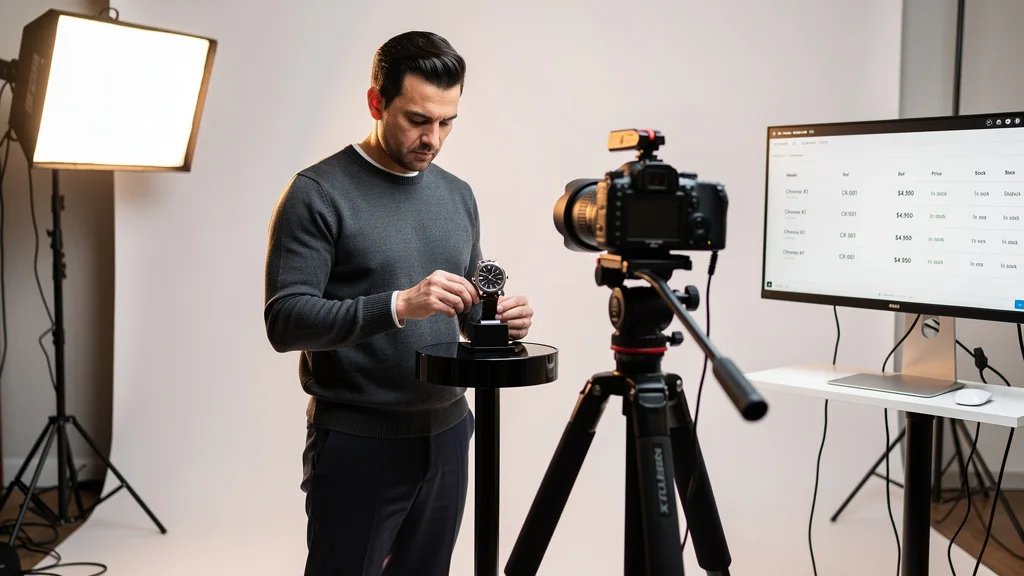
On Amazon, your images are your storefront, your salesperson, and your packaging all rolled into one. Shoppers cannot touch or feel your product, so they rely entirely on your visuals to make a purchasing decision. Using low-resolution, poorly lit, or unprofessional images is a critical error that screams untrustworthiness and low quality. This is one of the quickest ways to lose a potential sale to a competitor with a more polished presentation.

Your image block should tell a complete story. It must include a crystal-clear main image on a pure white background, several lifestyle photos showing the product in use, infographics that highlight key benefits and features, and comparison shots to illustrate scale or advantages. Adding a high-quality product video can increase conversion rates significantly by demonstrating the product's value in a dynamic and engaging way. Investing in professional visuals is not an expense, it's a core investment in your brand's success.
Mistake 3: Neglecting Bullet Points and Product Descriptions
After the title and images capture a shopper's attention, the bullet points are where you make the sale. Many sellers make the mistake of simply listing features instead of translating them into compelling benefits. Customers don't buy a drill bit, they buy the ability to hang a picture. Your five bullet points should be scannable, benefit-driven, and incorporate secondary keywords to support your SEO efforts. Leaving them sparse or poorly written is a massive missed opportunity.
Further down the page, the product description area offers more space to tell your brand story and elaborate on your product's value. For brand-registered sellers, this is where A+ Content comes into play, allowing you to use enhanced images and custom layouts. Ignoring this section or filling it with a simple block of text fails to engage the more detail-oriented shopper. Effective use of both bullet points and the description area is crucial for educating customers and closing the sale.
Mistake 4: Ignoring Customer Reviews and Q&A
Social proof is a powerful force in ecommerce. Customer reviews and the Questions & Answers section are not just feedback channels, they are integral parts of your listing that shoppers scrutinize before buying. A major mistake is failing to actively manage this section. Unanswered questions or unaddressed negative reviews can quickly erode customer trust and create doubt, sending potential buyers straight to your competitors.

Proactively engaging with your customers builds a positive brand reputation. Answer questions promptly and thoroughly, as your response will be seen by all future visitors. Address negative reviews professionally and offer solutions, showing that you stand behind your product and value customer satisfaction. This section is also a goldmine of information, revealing customer pain points and language you can incorporate into your listing to make it even more effective.
Mistake 5: Forgetting About Backend Search Terms
What shoppers can't see can still help them find you. The backend search term fields in Seller Central are a hidden but powerful tool for improving your product's discoverability. Many sellers either leave these fields completely empty or fill them with keywords that are already present in their title and bullet points. Both approaches are mistakes that limit your reach.
The backend is the perfect place for synonyms, related terms, common misspellings, and long-tail keywords that didn't naturally fit into your customer-facing copy. Think of it as a way to cast a wider net. For example, if you sell a 'yoga mat', your backend terms could include 'exercise pad', 'pilates floor mat', or 'non-slip workout mat'. Properly utilizing this section helps Amazon's algorithm understand the full scope of your product's relevance, connecting you with more qualified buyers.
How to Fix Your Listing for Better Visibility and Conversions
Now that you know the common pitfalls, it's time to take action. Fixing a struggling Amazon listing isn't about guesswork, it's about a systematic approach to optimization. By focusing on a few key areas, you can dramatically improve your product's search ranking, click-through rate, and ultimately, your sales volume. The goal is to create a detail page that appeals equally to Amazon's algorithm and your human customers.
Conduct a Comprehensive Keyword Analysis
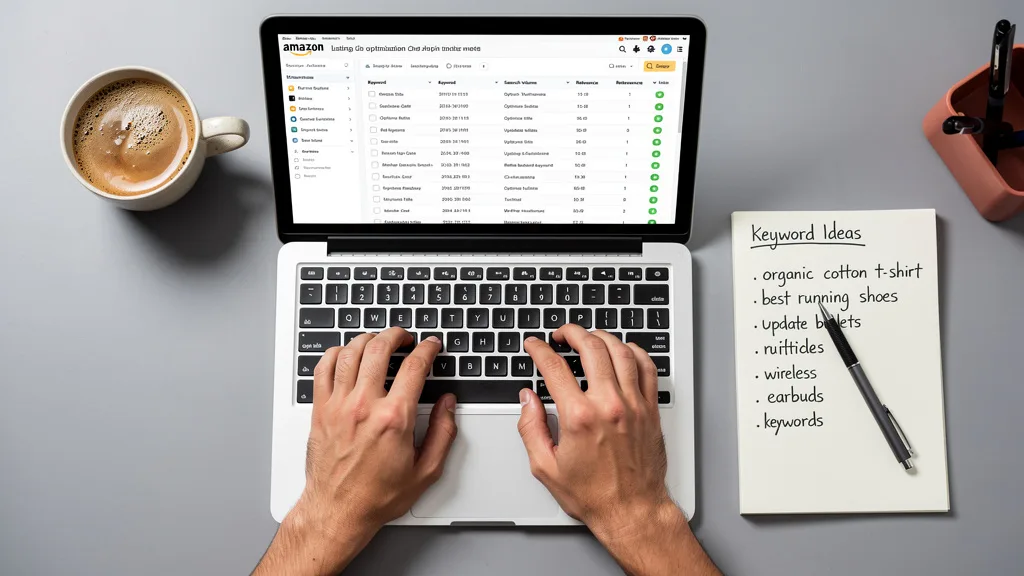
Everything starts with keywords. You need to understand the exact terms your customers are using to find products like yours. This process involves brainstorming seed keywords, analyzing your top competitors' listings to see what terms they are ranking for, and using specialized software to uncover high-volume, relevant search queries. A thorough analysis provides the foundation for your entire optimization strategy.
Use a mix of broad, high-volume keywords and more specific, long-tail keywords. While broad terms bring traffic, long-tail keywords often have higher conversion rates because they match a more specific buyer intent. There are many excellent tools for Amazon listing optimization that can help you find and prioritize these keywords effectively, taking the guesswork out of the process.
Craft Compelling and SEO-Friendly Copy
With your keyword list in hand, it's time to rewrite your listing copy. Integrate your most important keywords into the title, followed by your secondary keywords in the bullet points and description. The key is to do this naturally. Your copy should be persuasive, benefit-focused, and easy to read. Write for your customer first and the algorithm second.
Structure your bullet points to be easily scannable, starting each with a capitalized benefit. Use your product description or A+ Content to tell a story about your brand and product, addressing potential customer objections and reinforcing your unique value proposition. This combination of strategic keyword placement and persuasive writing is what separates top-performing listings from the rest.
Invest in High-Resolution Visuals
Upgrade your product imagery to a professional standard. Hire a product photographer or invest in a quality camera and lighting setup. Your image set should include at least six to seven high-resolution assets that showcase your product from every angle and in various contexts. This visual portfolio is your best tool for building desire and trust.
"In 2026, your Amazon images aren't just pictures, they are your digital sales team. A single high-quality lifestyle image or infographic can communicate more value in three seconds than a paragraph of text. Do not underestimate their impact on your conversion rate."
Ensure your main image complies with Amazon's terms of service (pure white background, product fills 85% of the frame). Use your other image slots for infographics that call out key features, lifestyle shots that help customers visualize themselves using the product, and a product video that demonstrates its functionality and benefits.
Encourage and Actively Manage Customer Feedback
Implement a system for generating reviews and managing feedback. Use Amazon's 'Request a Review' feature on your orders. While you cannot incentivize reviews, you can include a simple product insert that encourages satisfied customers to share their experience. A steady stream of positive reviews is a powerful ranking signal and a major driver of sales.
Set up notifications to monitor new questions and reviews. Respond to all inquiries within 24 hours to show that you are an attentive and customer-focused seller. Addressing feedback, both positive and negative, demonstrates transparency and helps build a loyal customer base. Many sellers are surprised to learn about What Are Common Amazon Seller Mistakes, and ignoring reviews is a big one.
Key Takeaways
Avoiding the most common listing optimization mistakes is critical for scaling your Amazon brand. To ensure your products have the best chance of success, focus on these core principles. Below is a summary of actionable steps you can take to improve your listings and drive sales.
- Optimize Titles with Keywords: Your title is your most powerful SEO tool. Ensure it contains your top keywords and clearly describes the product and its primary benefit.
- Invest in Professional Visuals: High-quality images and video are non-negotiable. They build trust, communicate value, and directly impact your conversion rate.
- Write Benefit-Driven Copy: Use your bullet points and description to sell the solution, not just the features. Make your copy scannable and persuasive.
- Engage with Customers: Actively manage your reviews and Q&A section. Social proof and responsiveness build a trustworthy brand.
- Utilize All Available Fields: Don't forget backend search terms. Use them to capture synonyms, misspellings, and related keywords to expand your search visibility.
Frequently Asked Questions
How often should you optimize an Amazon listing?
You should perform a major audit and optimization of your Amazon listing at least once per quarter. This involves refreshing your keyword research, analyzing competitor strategies, and updating your copy or images based on new customer feedback or market trends. Minor tweaks, such as adjusting backend keywords or responding to new questions, should be an ongoing weekly process.
However, if you notice a sudden drop in sales or ranking, you should conduct an immediate review. The Amazon marketplace is dynamic, and staying competitive requires consistent attention to your product detail pages. Regular monitoring ensures you can adapt quickly to changes in the algorithm or customer behavior.
What are the best tools for Amazon keyword research?
Several powerful software suites are considered industry standards for Amazon keyword research in 2026. Tools like Helium 10, Jungle Scout, and SellerApp offer comprehensive features that help you find high-volume keywords, analyze competitor listings, and track your keyword rankings over time. These platforms are essential for any serious seller looking to make data-driven decisions.
These tools use vast amounts of data to estimate search volume and competition levels, allowing you to prioritize the most valuable keywords. Many also offer reverse-ASIN lookup features, which let you see exactly which keywords your competitors are ranking for, providing a clear roadmap for your own SEO strategy. The initial cost of Amazon listing optimization often includes subscriptions to these vital tools.
Can adding A+ Content significantly increase sales?
Yes, absolutely. For sellers enrolled in Amazon's Brand Registry program, adding A+ Content can lead to a significant increase in conversion rates, typically between 3% and 10%. A+ Content replaces the standard text description with a visually rich layout that can include high-quality images, comparison charts, and enhanced brand storytelling elements. This creates a more engaging and professional shopping experience.
By using A+ Content, you can better communicate your product's features and benefits, address common customer questions visually, and build a stronger brand identity. It helps shoppers make a more informed decision and increases their confidence in the purchase, which directly translates to higher sales and can also lead to fewer product returns.
How long does it take to see results from listing optimization?
The timeline for seeing results can vary, but you can typically expect to see initial changes in ranking and traffic within 2 to 4 weeks. Amazon's algorithm needs time to re-index your listing and assess its relevance for the new keywords. The full impact, including a noticeable and sustained lift in sales, may take anywhere from 30 to 90 days to materialize as your listing gains traction and accumulates sales history.
Factors that influence this timeline include the competitiveness of your category, the effectiveness of your keyword strategy, and the quality of your product and customer service. Consistent sales velocity after optimization will reinforce your new rankings, creating a positive feedback loop that drives long-term growth.
Is it worth hiring a professional for product photography?
For most serious Amazon sellers, hiring a professional product photographer is one of the best investments you can make. While smartphone cameras have improved, they cannot replicate the quality of a professional setup with controlled lighting, high-end lenses, and expert retouching skills. Professional photographers understand Amazon's strict image requirements and know how to create visuals that convert.
Poor images can make a premium product look cheap, while great images can elevate the perceived value of an average product. Given that your images are the primary factor in a customer's purchasing decision, the return on investment from professional photography is almost always positive, leading to higher click-through rates, better conversion rates, and fewer returns.
Conclusion
Avoiding these five common Amazon listing mistakes is fundamental to scaling your brand from 7 to 8 figures. By shifting your focus from simply listing a product to strategically merchandising it, you create a powerful engine for visibility and conversion. A well-optimized listing built on thorough keyword research, compelling copy, and professional visuals doesn't just attract more traffic, it converts that traffic into loyal customers. Your next step is to conduct a thorough audit of your current listings and identify which of these areas needs the most immediate attention.
If you're a 7-figure brand owner ready to eliminate these costly mistakes and implement a profit-focused strategy for scaling, a professional audit can provide the clarity and action plan you need. We specialize in transforming underperforming listings into top-ranking assets.
Discover the hidden opportunities in your listing by requesting your Free Audit today.